“The surveys have been a great addition to communicating with our clients and asking for feedback. This feedback is critical in helping us continue to achieve our goal of 100% customer satisfaction”

Albi
Integration Add-On
LOYALTYLOOP INTEGRATION
Automated Feedback and Reviews!
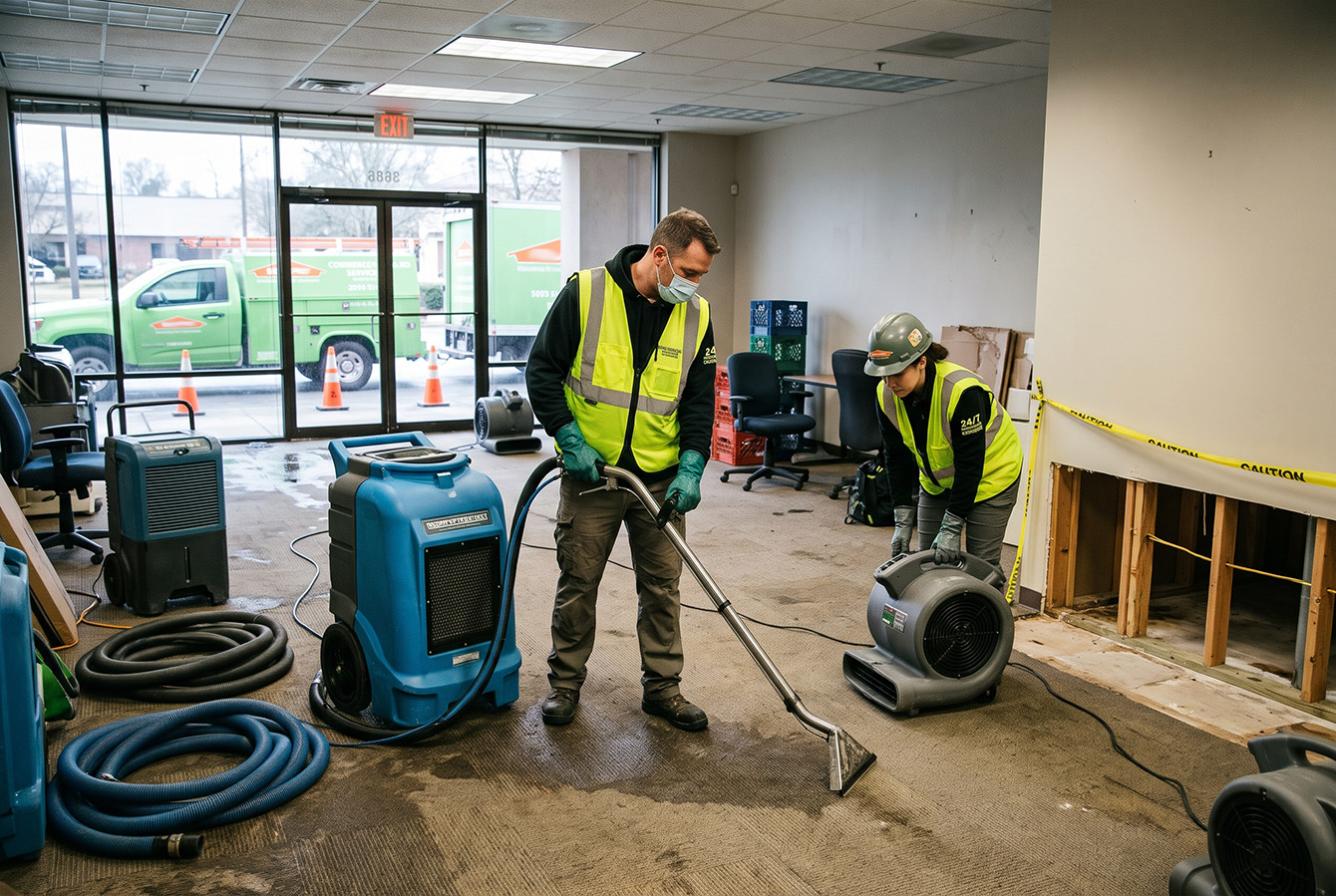
If you run a restoration business on Albi, this integration makes your process of collecting customer feedback and online reviews easy and automated. After activating the integration add-on for Albi, your customer contact and transaction info will flow automatically to your LoyaltyLoop account on a daily basis, triggered by the Albi status you choose. As the Albi contact info flows into your LoyaltyLoop, requests for feedback and reviews are sent via email or SMS. There are no reports to run, no manual uploads, no emails to send.
- Set it, and forget it!
- Engage customer soon after their Albi status changes
- Send requests as often as daily
- Engage customers while the experience is still fresh
The integration eliminates manual processing, and sends your requests for feedback and reviews closer to when the customer worked with your business. Surveys can be sent as frequently as daily or weekly. Engaging the customer per the Albi status change, ensures quality and timely feedback.
Want to learn more?
Schedule a DemoFAQs about the Albi integration for LoyaltyLoop
Q: How much does it cost?
A: There is no additional cost.
Q: How do I enable my Albi Integration?
A: LoyaltyLoop customers should sign in to their account, then search our Knowledge Base for "Albi". You will find the step-by-step instructions. You can always reach out to our Support Team for help at support@loyaltyloop.com (401-560-0311 option 3).
Q: Which Albi fields are included in the integration?
A: The integration includes the most common fields related to an Albi project. If you do not see a field that you require, please let us know and we'll be happy to look into adding it. Please email our support team (support@loyaltyloop.com) with the name of the field(s) needed.
- customerEmail
- customerName
- customerPhoneNumber
- address1
- address2
- city
- state
- projectManager
- salesPerson
- location
- projectType
- identifier (Project ID)
- propertyType
- createdAt
- status
Q: Can I impose a standard delay when sending my survey?
A: Yes. To ensure your customer has had the appropriate amount of time to experience your product or service, you can impose a delay on sending your survey. As stated below, we will set a 3-day delay on the default launch configuration. If you prefer something else, please contact our support team at support@loyaltyloop.com, or 888-552-5667 option 3. Here's a blog post explaining imposed launch delays.
Q: How do I change my survey send (launch) frequency?
A: With the integration enabled, your data flows to LoyaltyLoop as you close transactions. You are now in position to have your surveys sent soon after the customer experiences your business.
By default, and unless you specify otherwise, upon activation of the integration LoyaltyLoop will reconfigure your survey launch configuration as follows:
- Weekly Launch Frequency
- Default Launching Day on Tuesday
- Imposed 3-day delay
If you'd like a different launch configuration, please contact our support team at support@loyaltyloop.com or 888-552-5667 option 3.
Your existing Touch Frequency Filter (TFF) will be maintained. For example, our default TFF is 90-days, meaning customers (based on email address) who have been asked to give you feedback within the prior 90-days (or as per your specific setting), will be removed from your launch. This prevents "over-touching" the same person too often.