“The feedback we have been getting from our clients is unbelievable. We received more than 50 five-star Google reviews in 2 months and 88 five-star reviews added to our website with the LoyaltyLoop integration. As a print shop owner using InfoFlo Print MIS, the process happens automatically and requires none of my time.”

InfoFlo Print
Integration Add-On
PARTNER INTEGRATION
Automate your Customer Experience (CX) Process with InfoFlo Print!
LoyaltyLoop is the perfect customer experience and review platform for printers and sign & graphics companies.
By partnering with the great team at InfoFlo Print, you can now combine the power of your business management MIS/ERP system with the LoyaltyLoop customer experience platform to automate your feedback and review process.
- Set it, and forget it!
- Engage customer soon after their transaction
- Send requests as often as daily
- Monitor and take action in InfoFlo Print
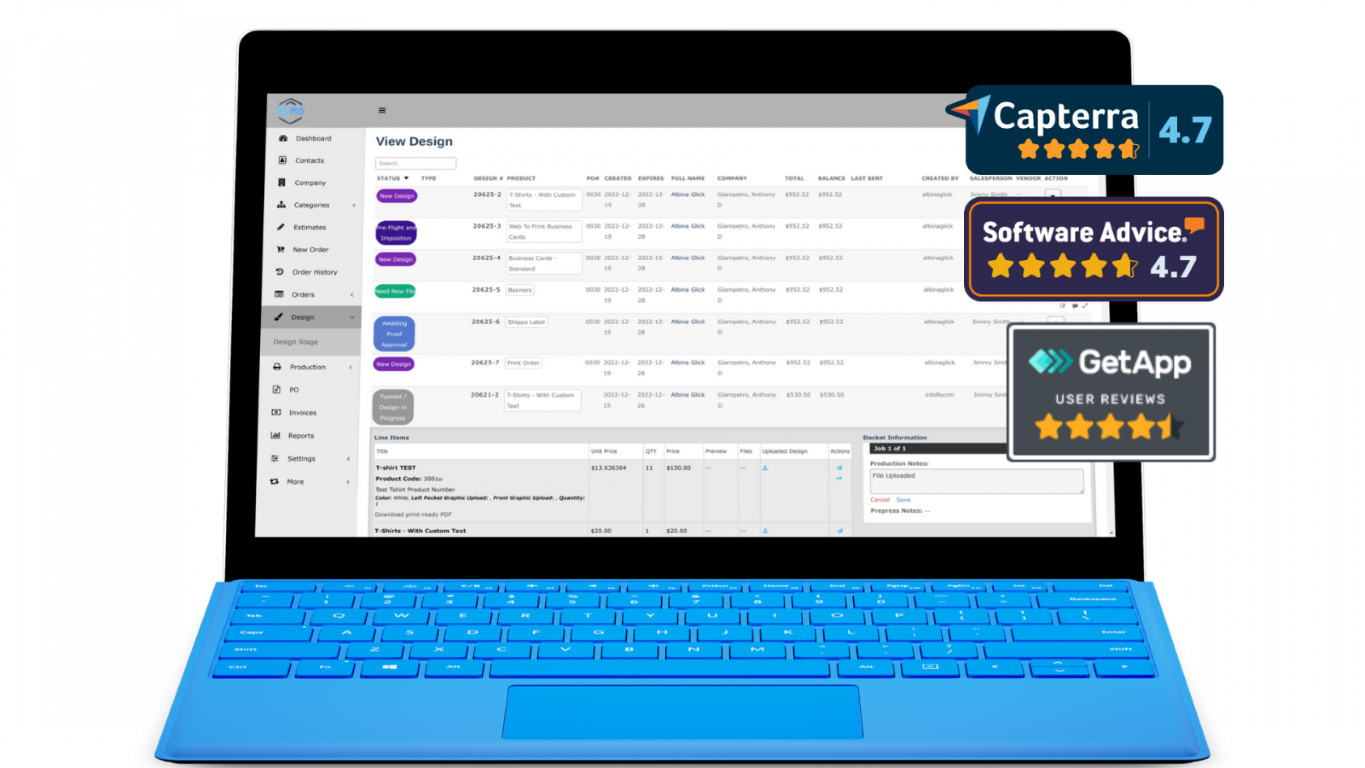
Want to learn more?
Schedule a DemoOwners, operators, and managers of printer businesses understand the importance of creating great customer experiences. Employ a consistent process of engaging customers to learn from their experiences, and do not rely on gut feel and hunches.
FAQs about the InfoFlo Print integration with LoyaltyLoop
Q: How much does it cost?
A: There is no additional cost.
Q: What does the integration with InfoFlo Print do?
A: Based on a trigger event you choose, this integration automatically flows the customer contacts for recent InfoFlo Print transactions into your LoyaltyLoop, allowing you to automate your feedback and review process.
Q: What are the InfoFlo Triggers to send contacts to LoyaltyLoop?
A: In your InfoFlo Print, you have the option set the trigger event to send contacts to your LoyaltyLoop when either (1) the customer order has a ship date, or (2) the customer invoice is paid.
Q: How do I enable my InfoFlo Print Integration?
A: LoyaltyLoop customers should sign in to their account, then search our Knowledge Base for "InfoFlo Print Integration". You will find the step-by-step instructions. You can always reach out to our Support Team for help at support@loyaltyloop.com (401-560-0311 option 3).
Q: Which fields are included in the integration?
A: On a daily basis, and based on the trigger event you choose, the following order details will be sent automatically to LoyaltyLoop:
- FirstName
- LastName
- FullName
- Title
- Phone
- Cell
- Company
- AddressOne
- AddressTwo
- ZipCode
- City
- State
- CustomerID
- LocationID
- TxnID
- Sales_Rep
- CSR
- PO Num
- Ship Date
- Total_sale_Price
- TxnDate
- TxnType
- TxnDesc
Q: How often does the integration send data to LoyaltyLoop?
A: Based on your selected trigger event, the integration will send the contacts to LoyaltyLoop on a daily basis. Allowing you to instruct LoyaltyLoop to send your feedback and review requests as soon as the next day.
Q: Can I impose a standard delay when sending my survey?
A: Yes. To ensure your customer has had the appropriate amount of time to experience your product or service, you can impose a delay on sending your survey. As stated below, we will set a 3-day delay on the default launch configuration. If you prefer something else, please contact our support team at support@loyaltyloop.com, or 888-552-5667 option 3. Here's a blog post explaining imposed launch delays.
Q: How do I change my survey send (launch) frequency?
A: With the integration enabled, your data flows to LoyaltyLoop as you close transactions. You are now in position to have your surveys sent soon after the customer experiences your business.
By default, and unless you specify otherwise, upon activation of the integration LoyaltyLoop will reconfigure your survey launch configuration as follows:
- Weekly Launch Frequency
- Default Launching Day on Tuesday
- Imposed 3-day delay
If you'd like a different launch configuration, please contact our support team at support@loyaltyloop.com or 888-552-5667 option 3.
Your existing Touch Frequency Filter (TFF) will be maintained. For example, our default TFF is 90-days, meaning customers (based on email address) who have been asked to give you feedback within the prior 90-days (or as per your specific setting), will be removed from your launch. This prevents "over-touching" the same person too often.