What does LoyaltyLoop's customer feedback alert system include?
LoyaltyLoop's customer feedback alerts and notifications keep your team informed across the full range of feedback activity, with alerts for situations that need prompt attention and notifications for routine summaries that keep you up to speed. Here is what is included.
Weekly Summary Notice
Start each week with a clear view of your feedback activity.
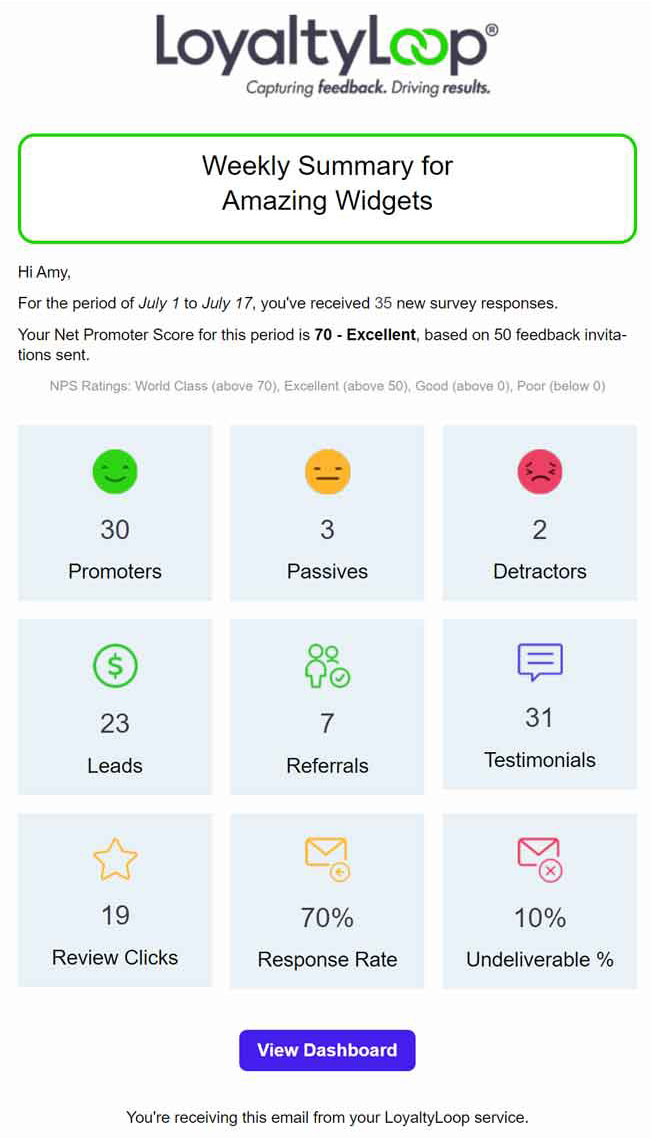
Every Monday morning, LoyaltyLoop sends a notification summarizing your feedback activity for the month, with links to the relevant sections of your dashboard. It's a quick way to start the week with a clear pulse on your customer experience without logging in to find it.
New Response Notice
See every new response without checking your dashboard.
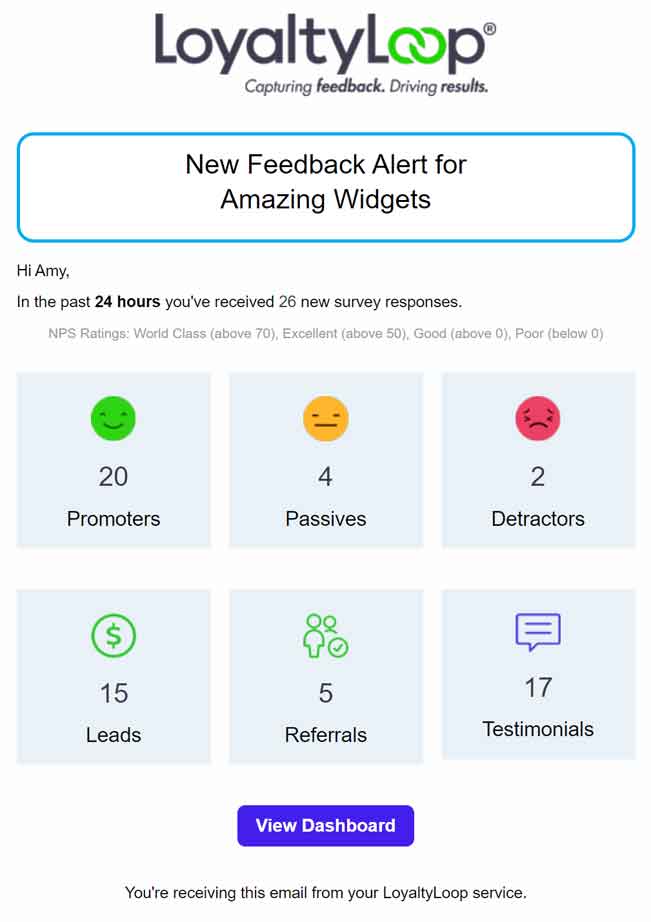
Rather than checking your CX dashboard manually, the New Response Notice delivers a summary of feedback received in the prior 24 hours directly to your inbox. Drill into any item in the email to go straight to the relevant section of your dashboard.
New Reviews Notice
Respond to Google reviews before they go unanswered.
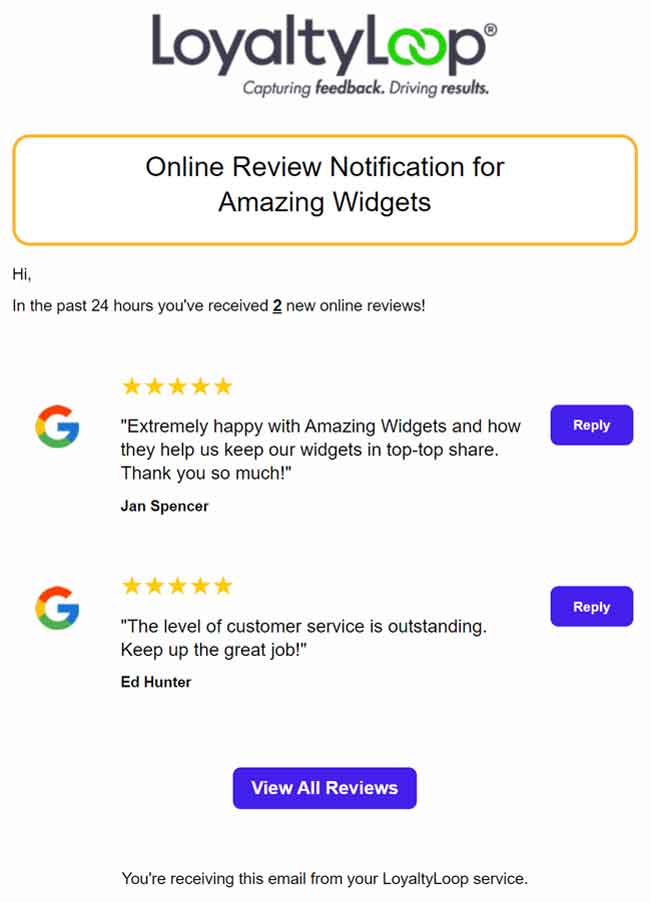
When a customer posts a new Google review, LoyaltyLoop notifies your team so you can respond promptly. Staying on top of your Google
reviews starts with knowing when they arrive.
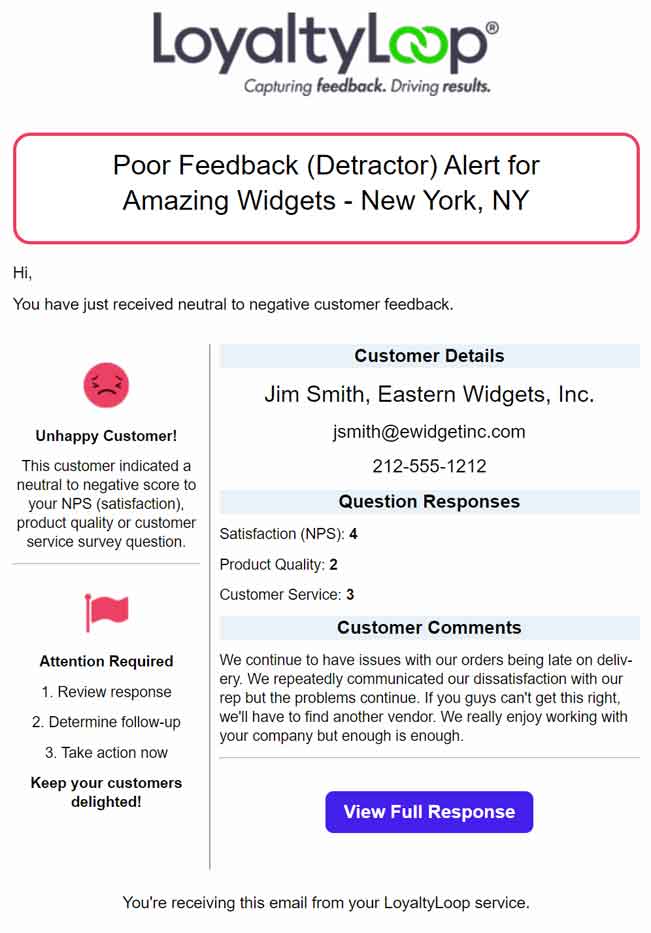
Poor Feedback Alert
Reach dissatisfied customers before the relationship deteriorates.
When a customer submits a poor survey response, a Poor Feedback Alert goes out so your team can follow up before the situation escalates. This is one of the most direct tools LoyaltyLoop offers for protecting customer relationships, giving you the window to reach out, address the issue, and turn a difficult experience into a recovered one.
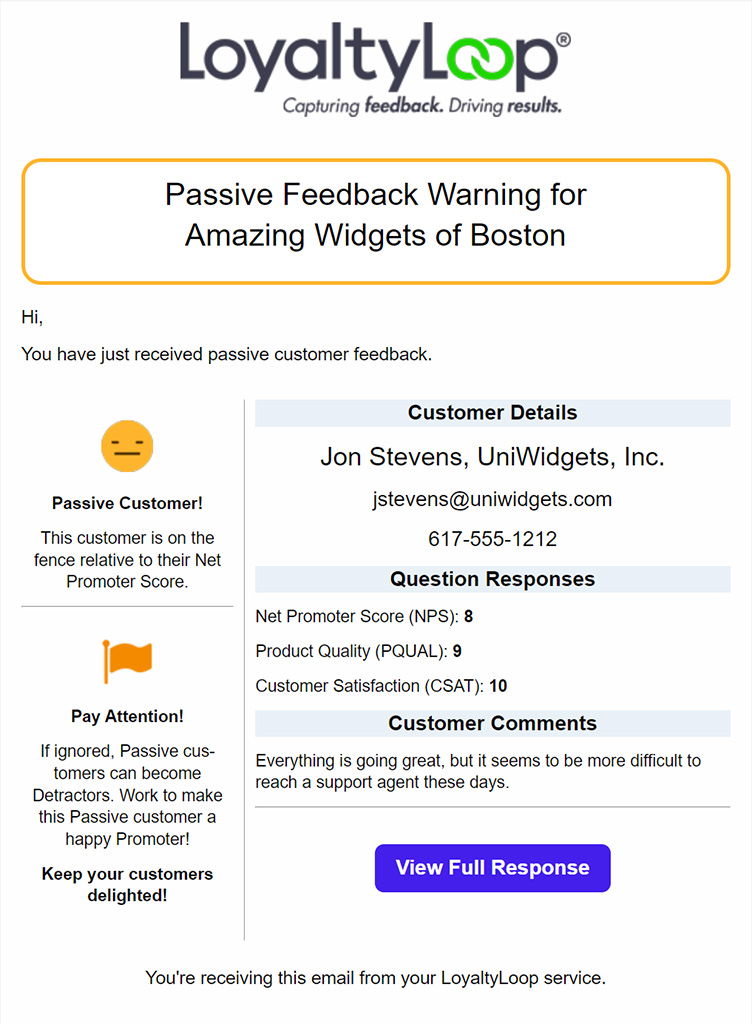
Passive Feedback Alert
Engage fence-sitters before they drift toward disengagement.
Passive customers sit on the fence. They are not dissatisfied enough to complain, but they are not confident enough to recommend you either. The Passive Feedback Alert identifies these contacts so your team can engage them proactively and move them toward becoming Promoters before they drift toward disengagement.
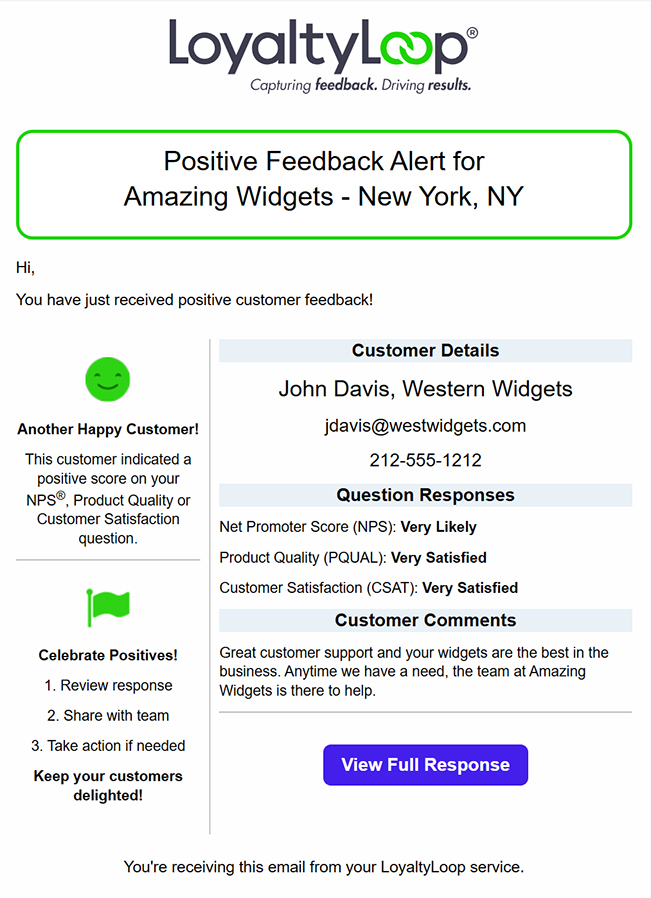
Positive Feedback Alert
Share wins with the right people on your team.
When a customer submits a Promoter response, the Positive Feedback Alert lets your team know so the positive experience can be acknowledged and shared. This alert can also be configured to reach the account manager or staff member associated with that customer, so the right person sees the feedback even if they do not have a LoyaltyLoop user account.
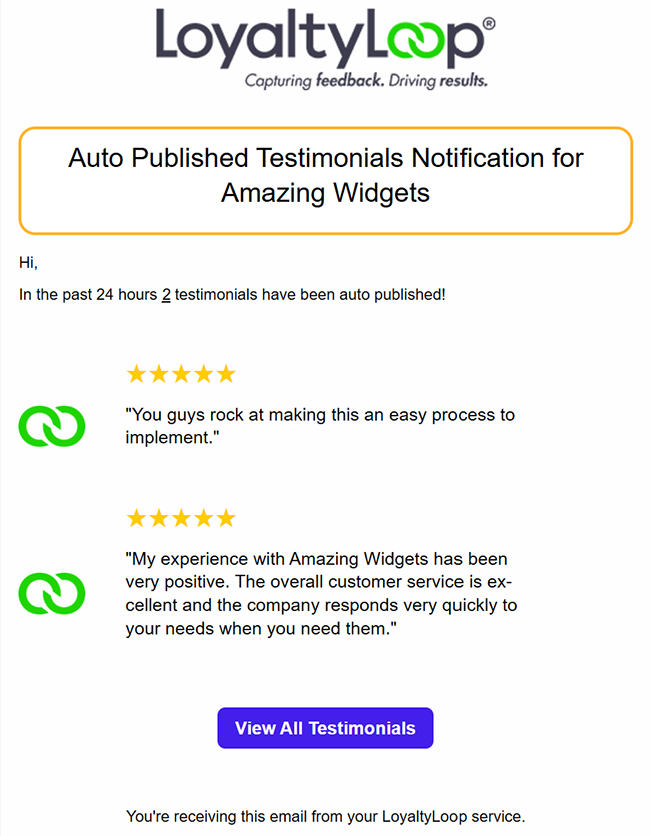
Auto Published Testimonials Notice
View auto-publishted testimonials for appropriateness.
When you choose to use the Auto Publish Testimonial feature, this next day notification provides a list of all testimonials published so you can review them. Easily click through to your account to unpublish any that are unwanted.
New Lead Alert
Follow up on buying interest while it's fresh.
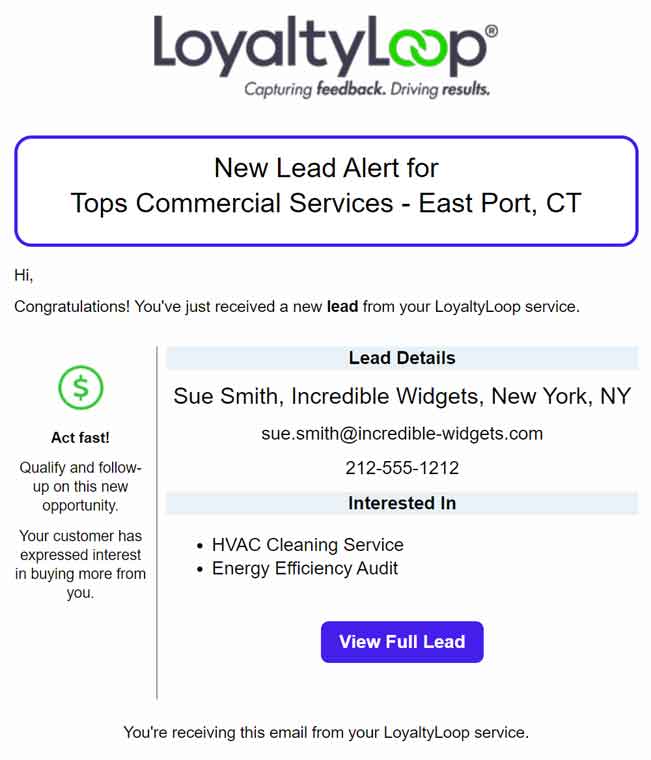
For businesses on Promoter or Premier plans, when a customer expresses interest in doing more business with you, LoyaltyLoop sends an alert so your team can follow up while the interest is fresh. New Lead Alerts connect your feedback loop directly to your sales pipeline, turning satisfied customers into active revenue opportunities.
New Referral Alert
Act on every referral before the moment passes.
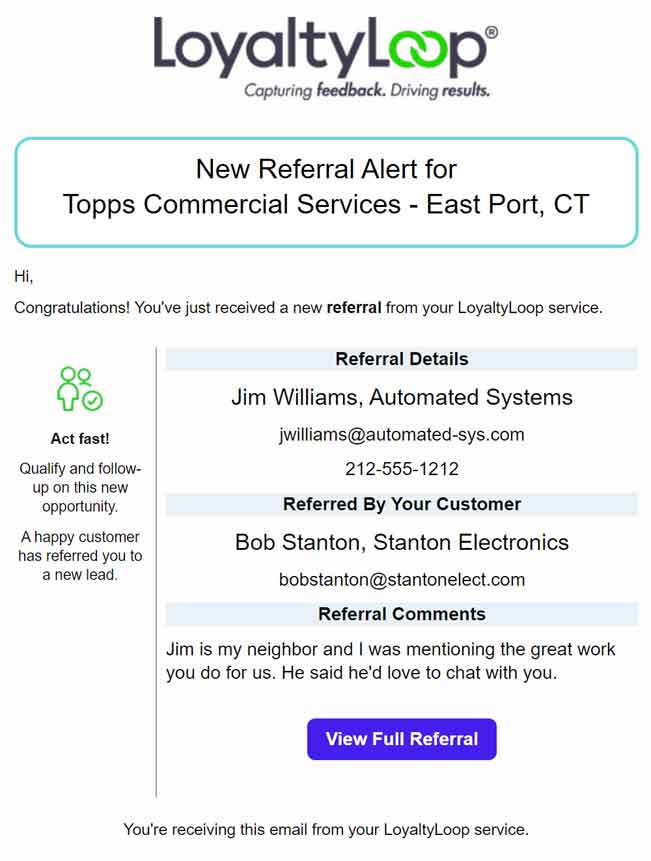
When a customer submits a referral, LoyaltyLoop sends an alert so your team can follow up while the interest is fresh. New Referral Alerts ensure your team hears about every referral opportunity and can act on it before the moment passes.
Pending Dormant Launch Notice
Re-engage inactive customers before they move on.
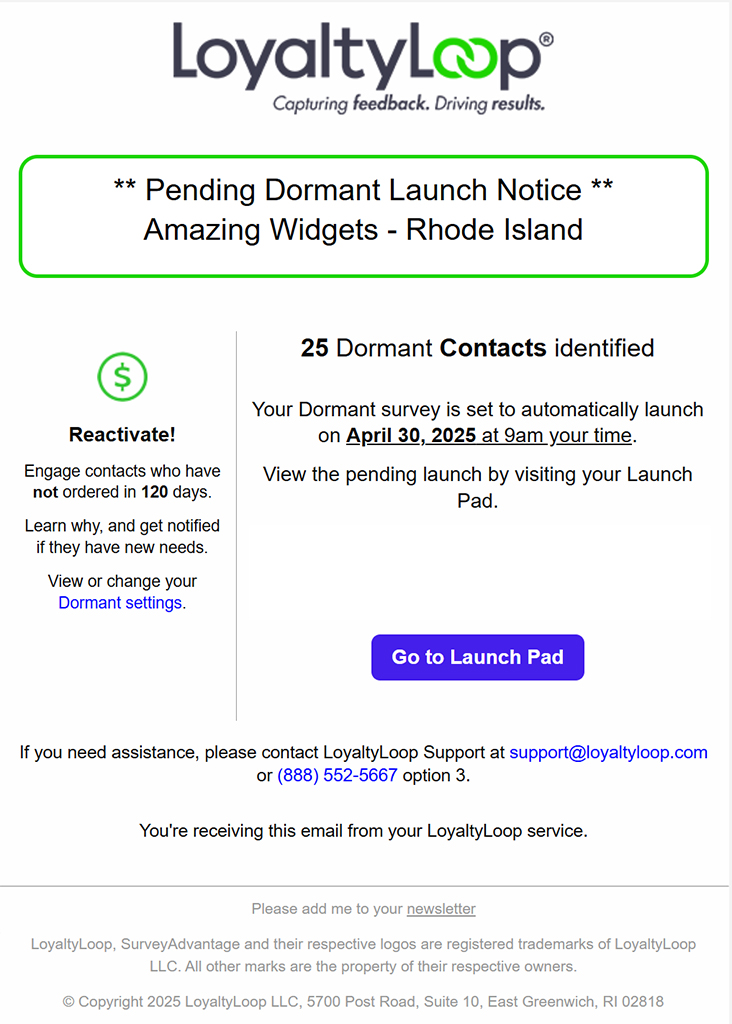
For businesses on the Premier plan, LoyaltyLoop identifies contacts who have not purchased in a set window and stages a dormant re-engagement launch. The Pending Dormant Launch Notice lets you know when a contact is ready to be reached, giving your team the prompt to initiate outreach before the opportunity passes.
Dormant Reactivate Alert
Restart relationships when dormant contacts show renewed interest.
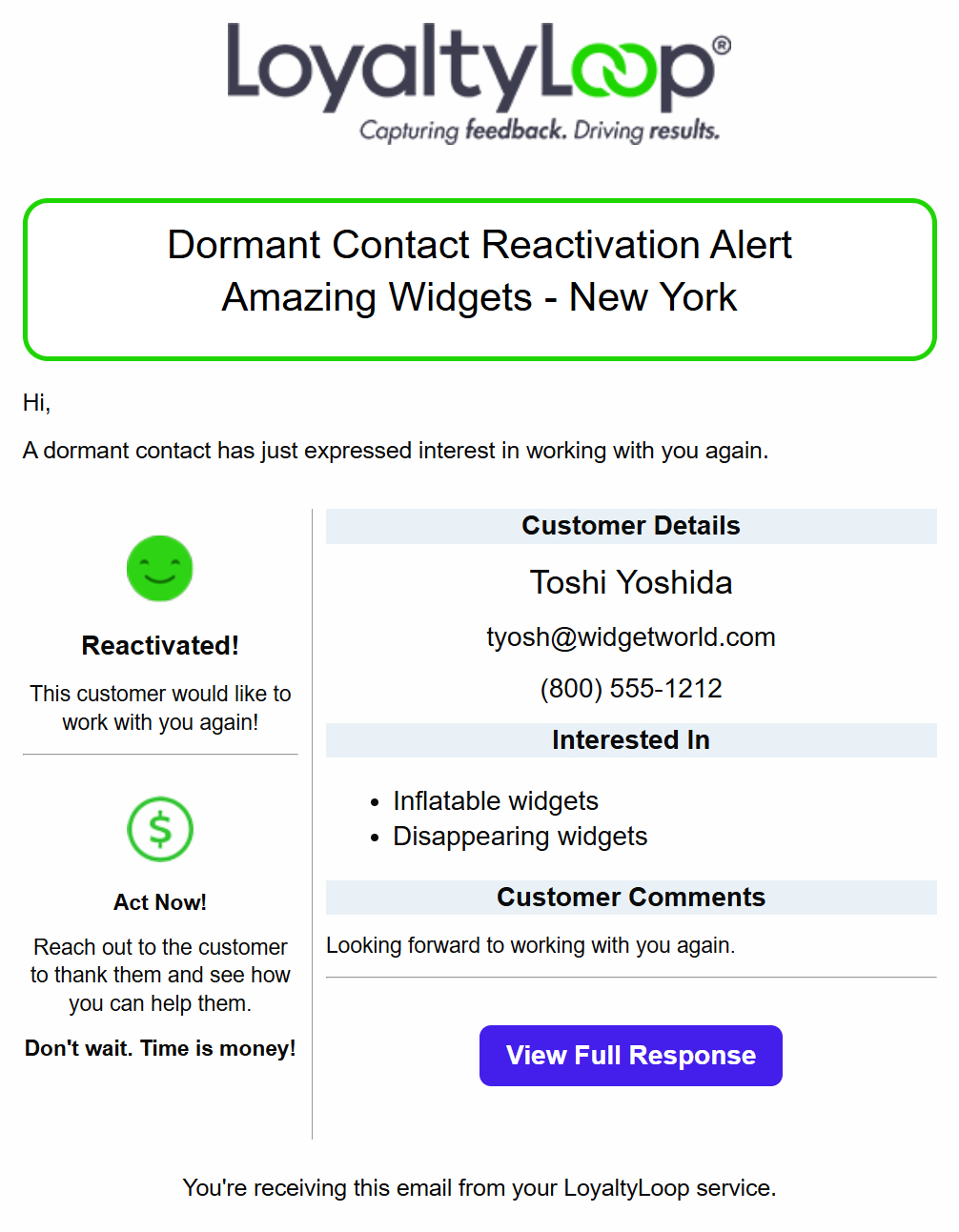
A key benefit of the Premier plan is the ability for LoyaltyLoop to automatically identify and engage contacts who have gone dormant. The Dormant Reactivate Alert fires whenever a dormant contact expresses interest in working with your business again, so your team can follow up right away and restart the relationship.
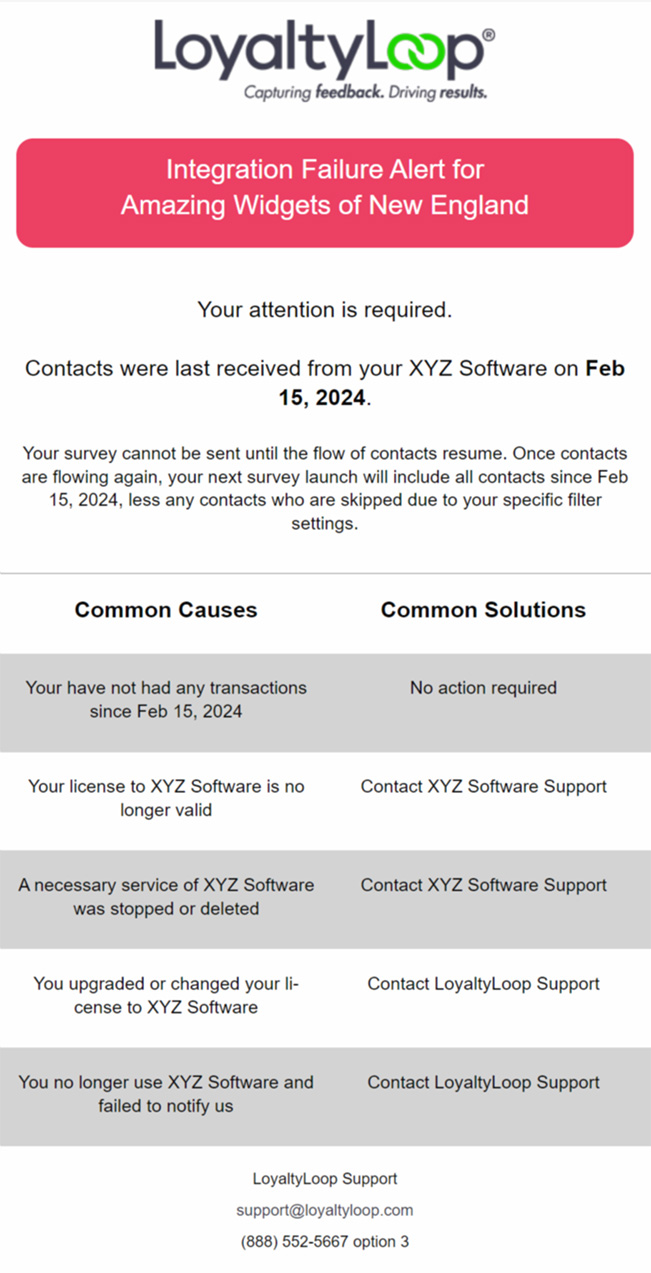
Integration Failure Alert
Keep your data flowing without gaps or disruptions.
LoyaltyLoop sends an Integration Failure Alert if your data feed stops sending, so your feedback loop keeps running without disruption. Integrations are a powerful way to automate your feedback process, this alert ensures your data is always flowing and nothing falls through the gaps.
Manage Email Notifications
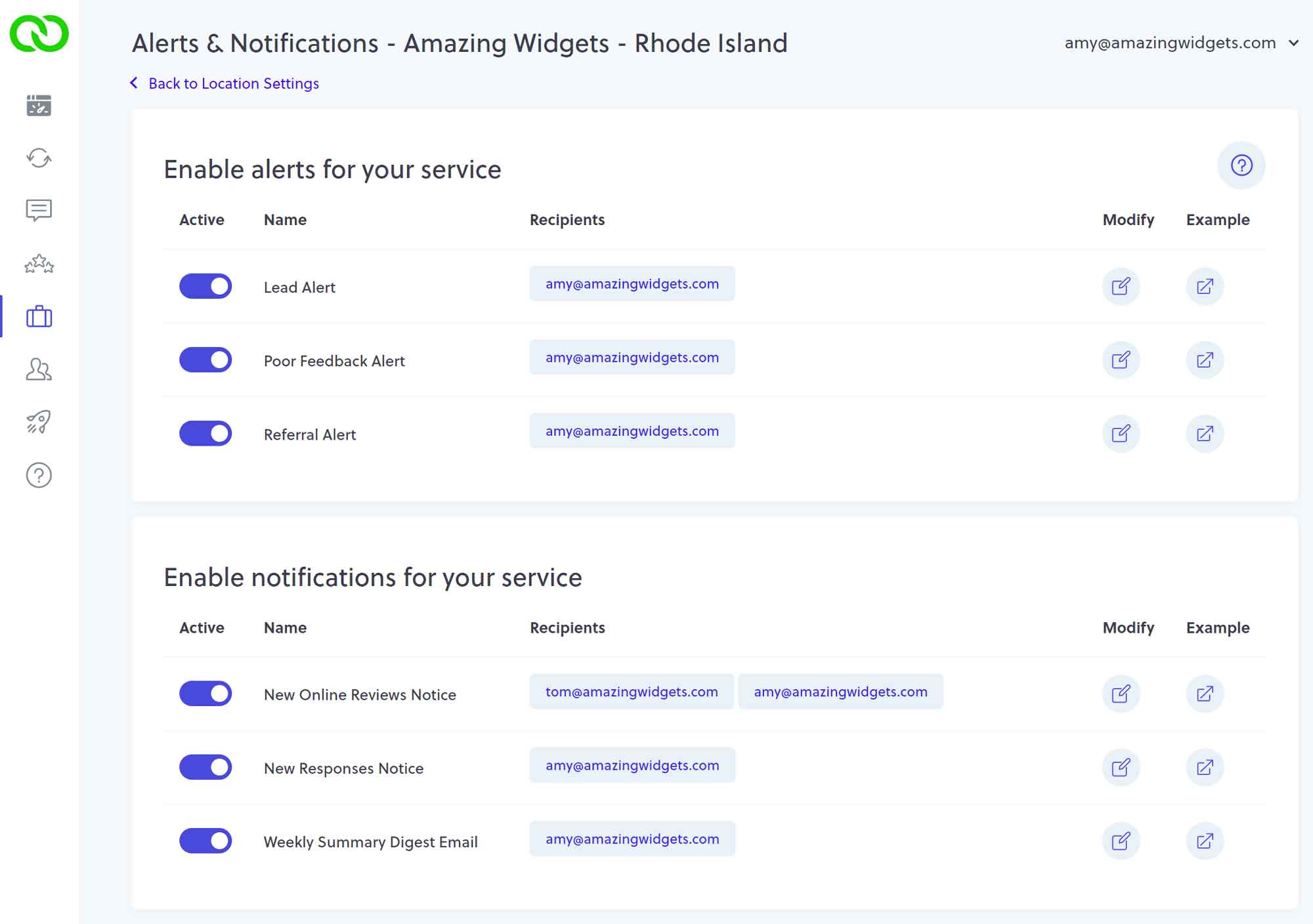
Control who receives which alerts and notifications
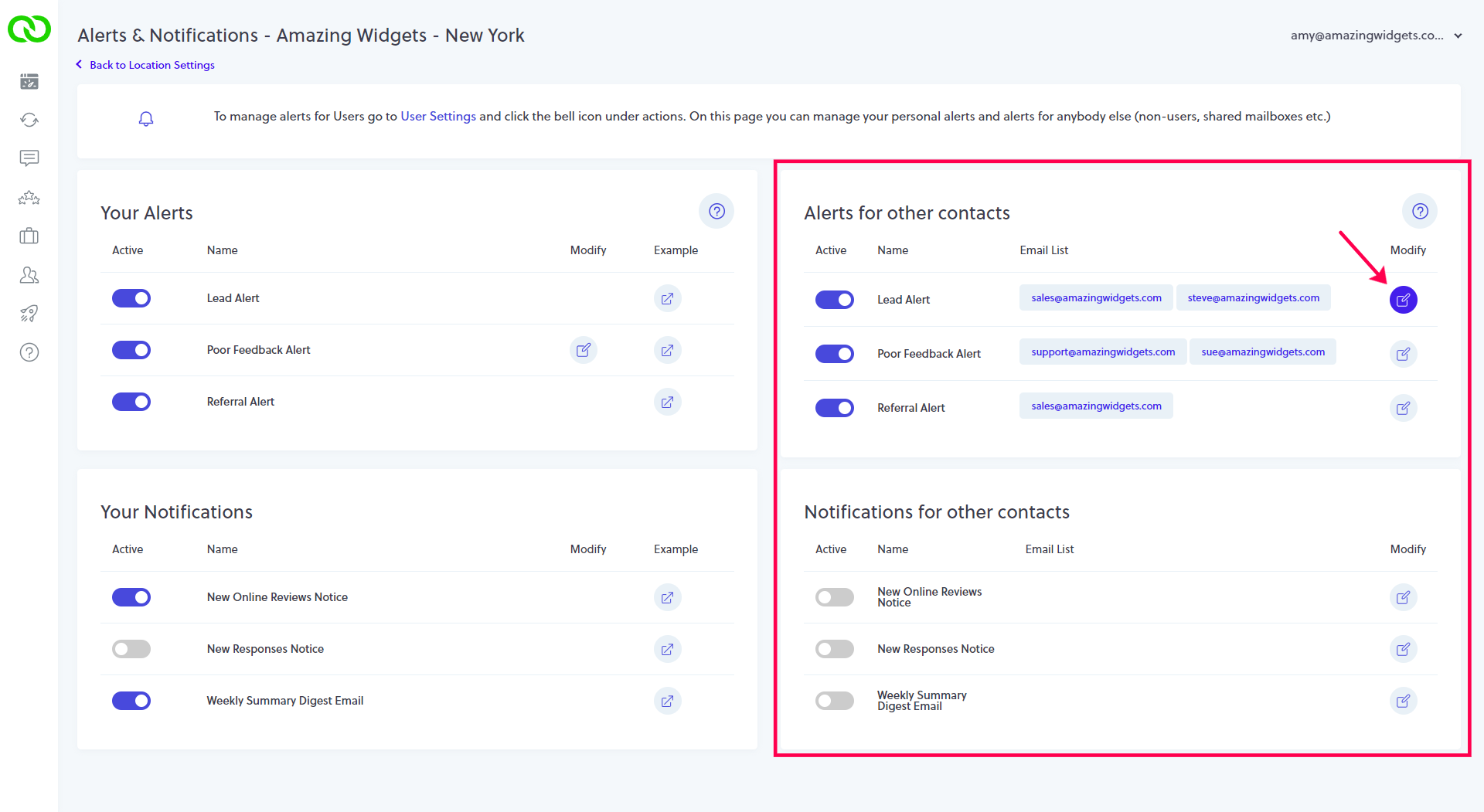
Admin controls let you manage which team members receive which alerts and notifications, add non-user recipients, lock settings, and adjust configurations as your team changes over time. Whether you need to add a new regional manager, restrict certain alerts to specific roles, or update recipient lists across multiple locations, you are in control.