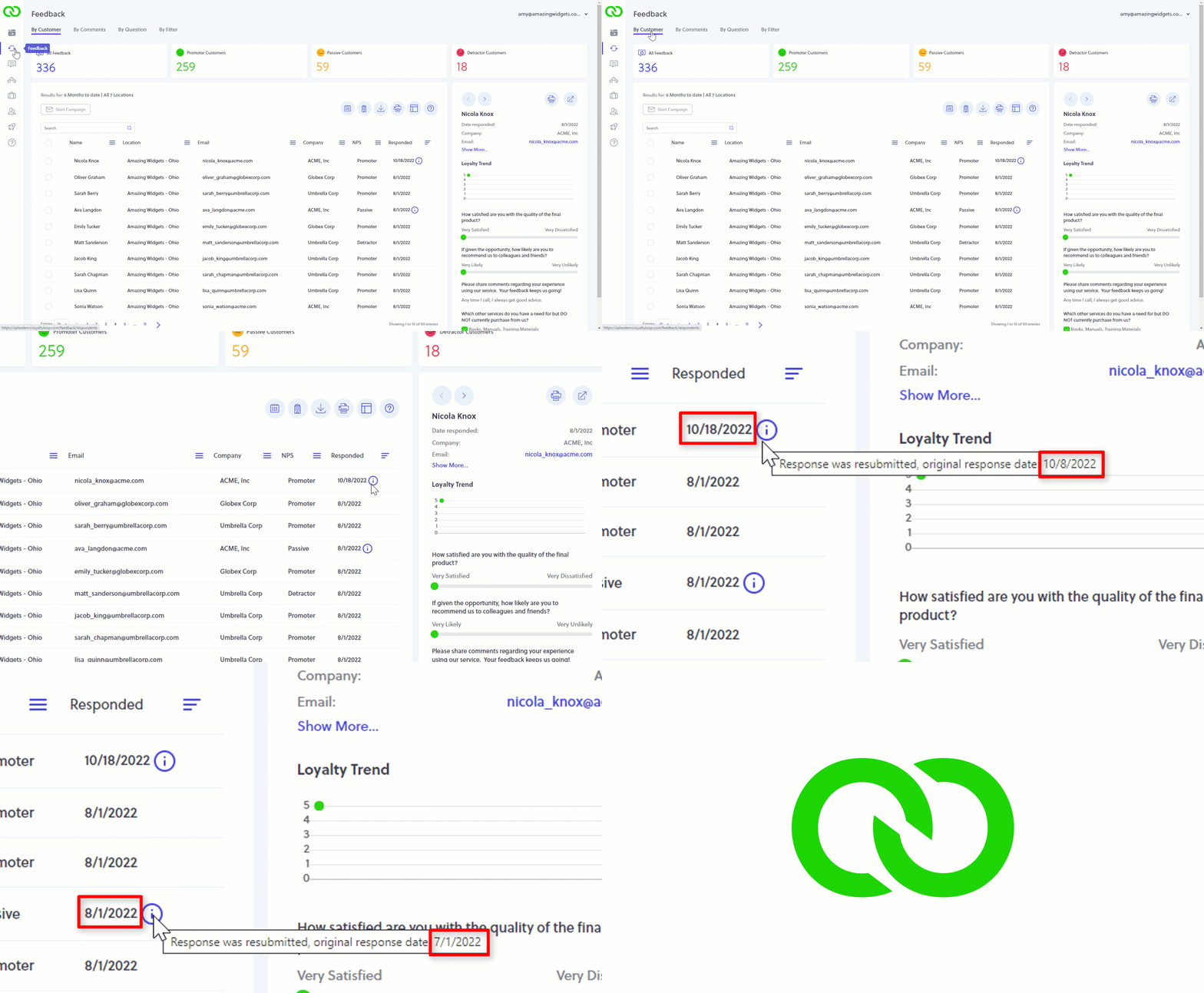
Did you know you can see if a customer resubmitted their response?
If a customer makes a mistake on your survey, did you know they can click the survey link again to view their choices, correct mistakes, and resubmit their survey response? But how do you know if the customer changed their response. Here's how: In Feedback by Customer, if there is a blue icon next to their response date, this tells you the customer changed their response. Hover-over the blue icon to see their original response date.