Did you know you can set dynamic scales on dashboard charts?
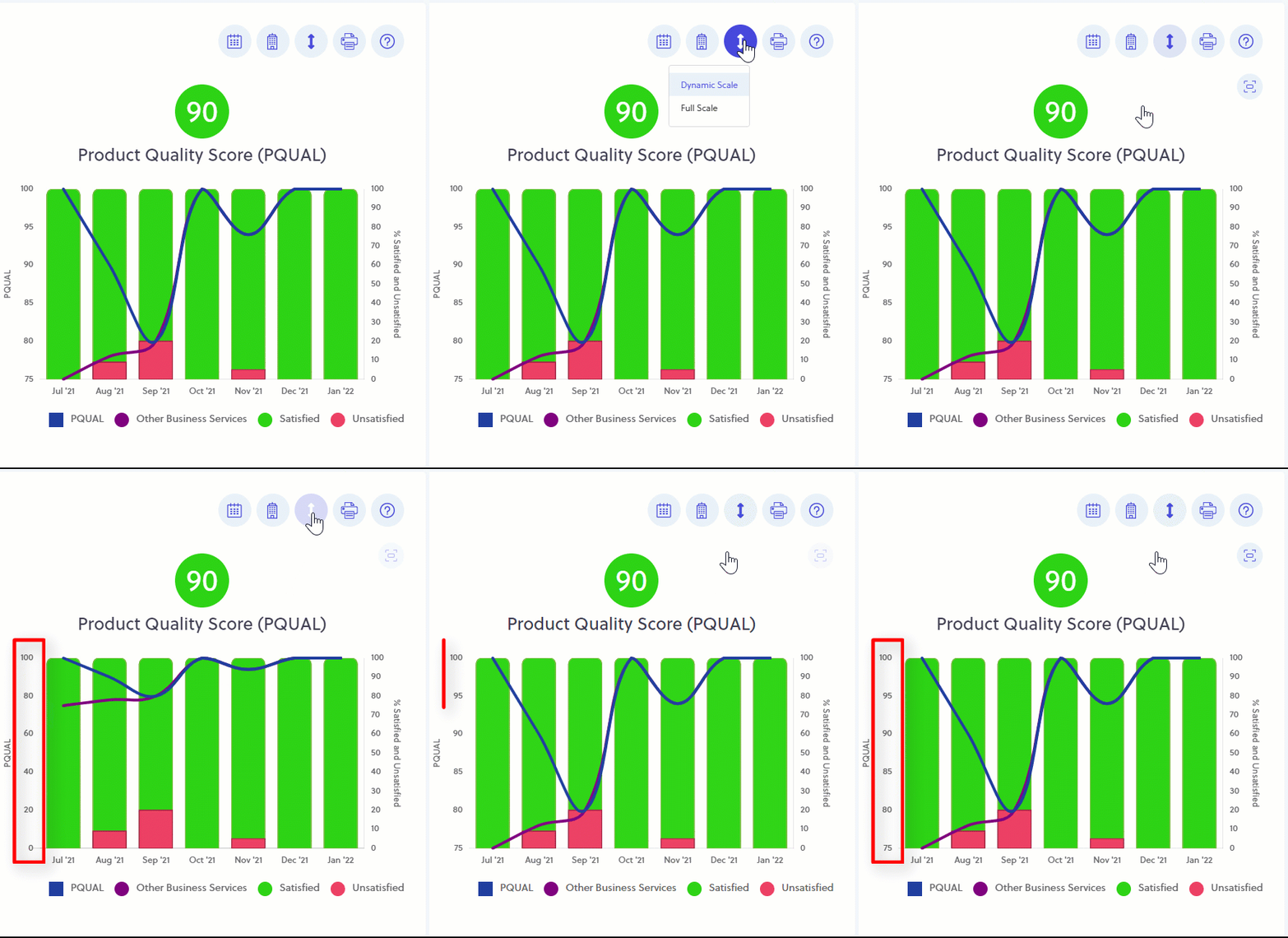
You can set the dashboard to display your Customer Experience charts using either "Full Scale" or "Dynamic Scale".
Full Scale will show your trendlines on a scale from -100 to +100 (NPS®), and 0 to 100 (CSAT and PQUAL).
Dynamic Scale only shows the scales based on the actual data of each chart.
This helps you view variation in your trendlines more easily.