
NEW - Email Preview by Screen Size
This month the team has released a new feature to help you ensure your LoyaltyLoop emails look great on all device types of various screen sizes.
What does this feature do?
When composing emails in LoyaltyLoop, this feature allows you to see how your emails will appear on different size screens, such as phones, tablets and computers. This allows you to ensure your emails are formatted appropriately for the variety of devices used by your customers today.
Feature availability
Element
Survey Invitation Email
Survey Reminder Email
48-Hr Follow-Up Email
Start Campaign Email
Basic plan
✔
✔
Promoter plan
✔
✔
✔
✔
Section
Settings, Survey section
Settings, Survey section
Settings, Review section
Feedback, Opportunities
Using this feature
When composing your emails in the above elements, click the Preview button to view your email in the Preview panel. Above the Preview panel you'll now see 3 icons representing the different device/screen types. From left to right they are: phone, table, and computer.
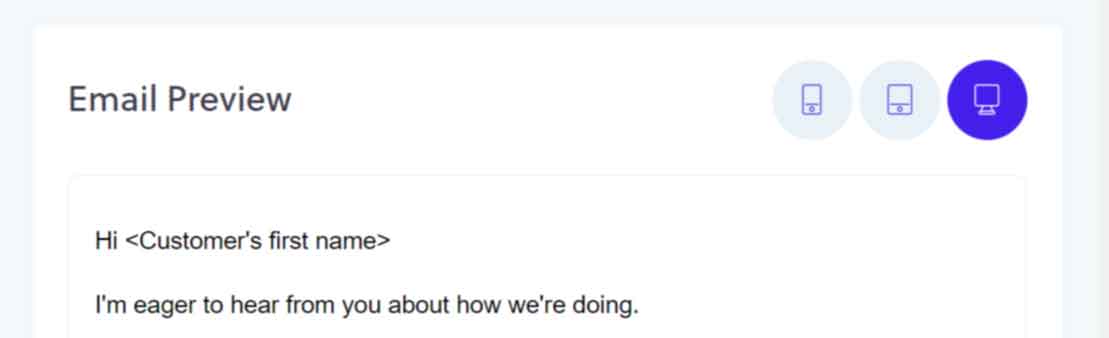
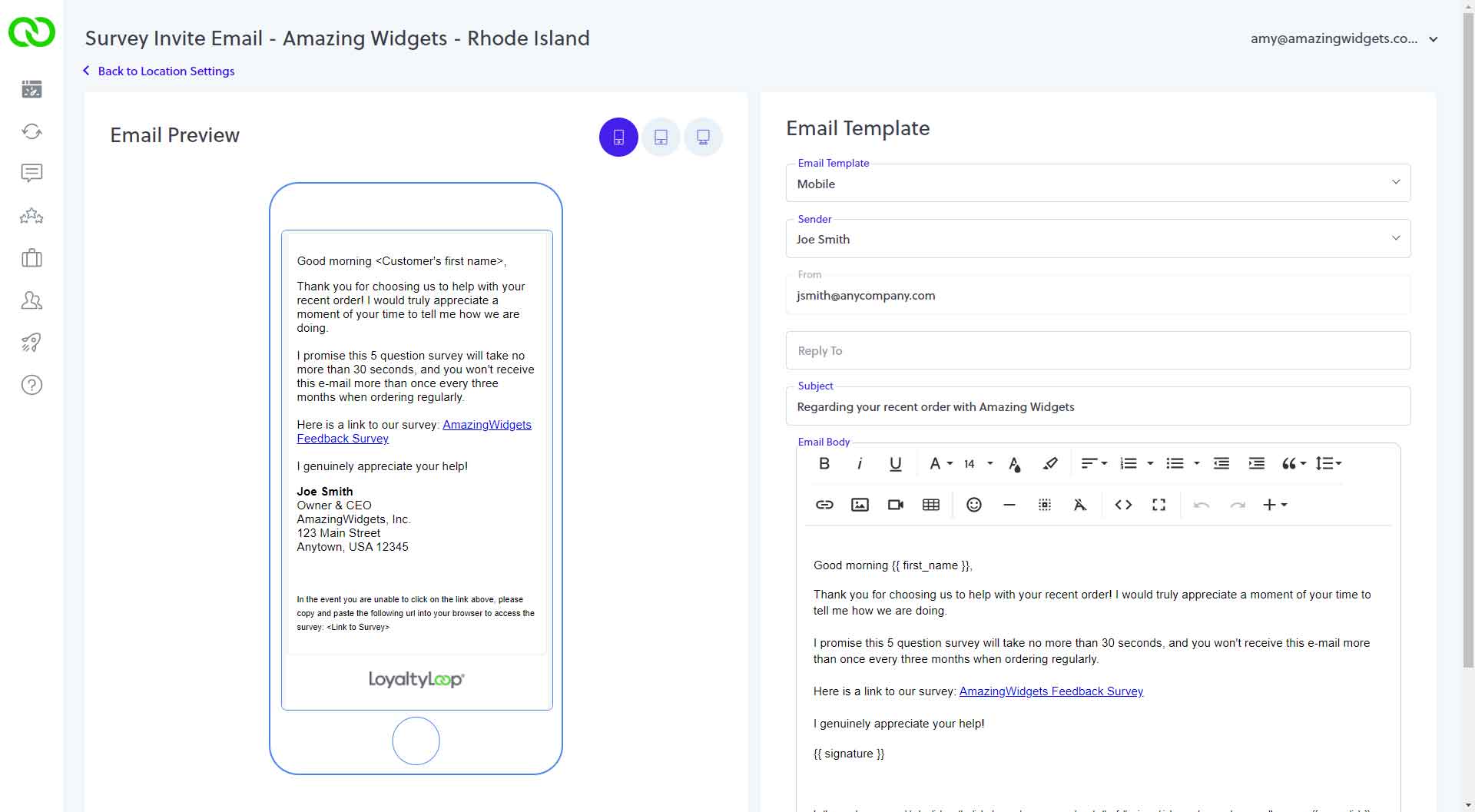
By default, the Preview is set to display the email as if viewed on a computer screen. Clicking the tablet icon displays your email as if viewed on the smaller screen of a tablet, and clicking the phone icon displays your email as if viewed on the smallest of screens like phones (shown below).
Use this handy feature to ensure all of your LoyaltyLoop emails always look the best.