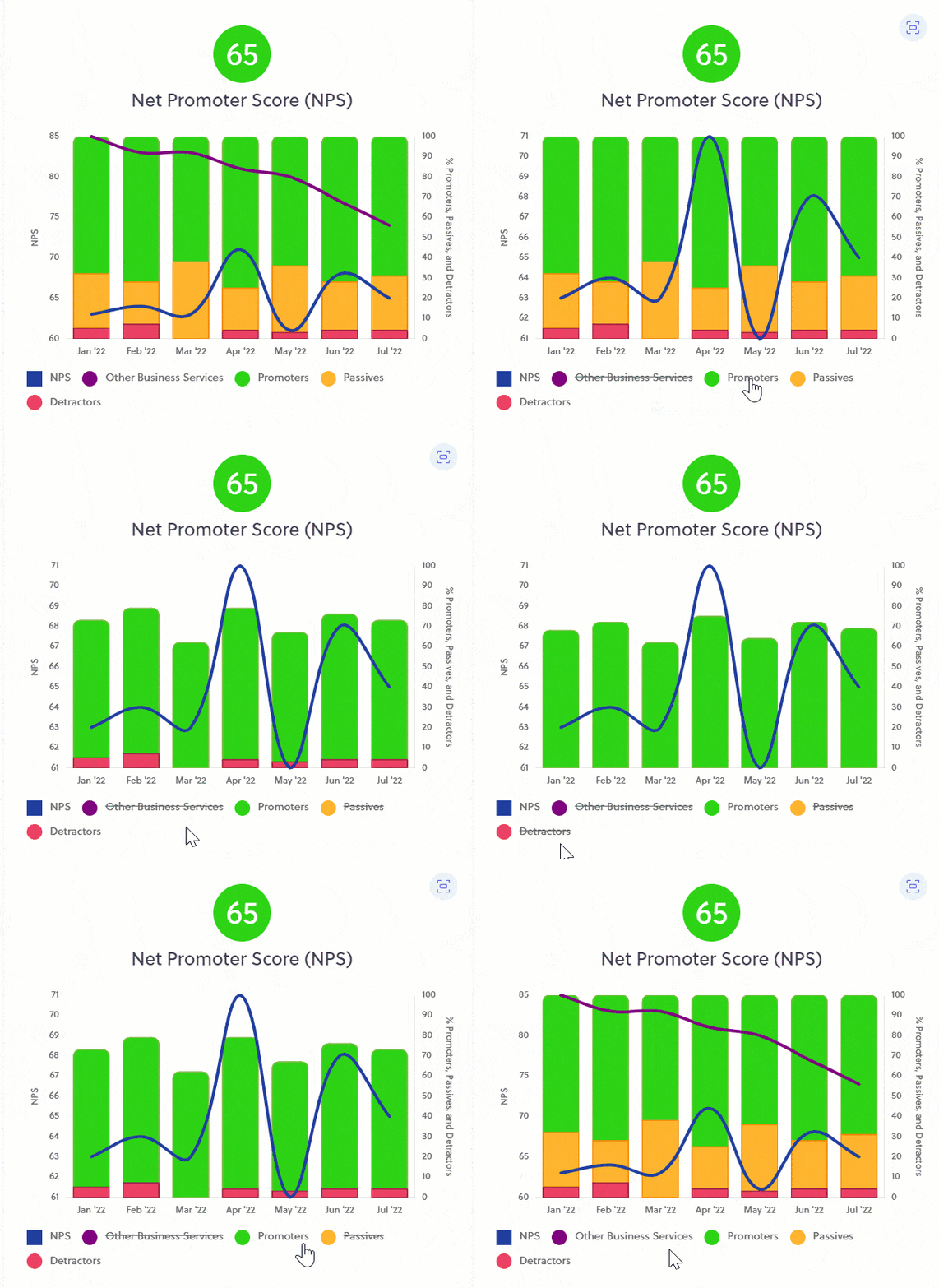
Did you know you can remove elements from your charts?
When viewing your charts, sometimes you may wish to remove an element to focus on certain results.
To do this, simply click on the legend name of the item you wish to hide in the chart.
To make it visible again, click the lined-out legend again.