Did you know you can set alerts and notifications?
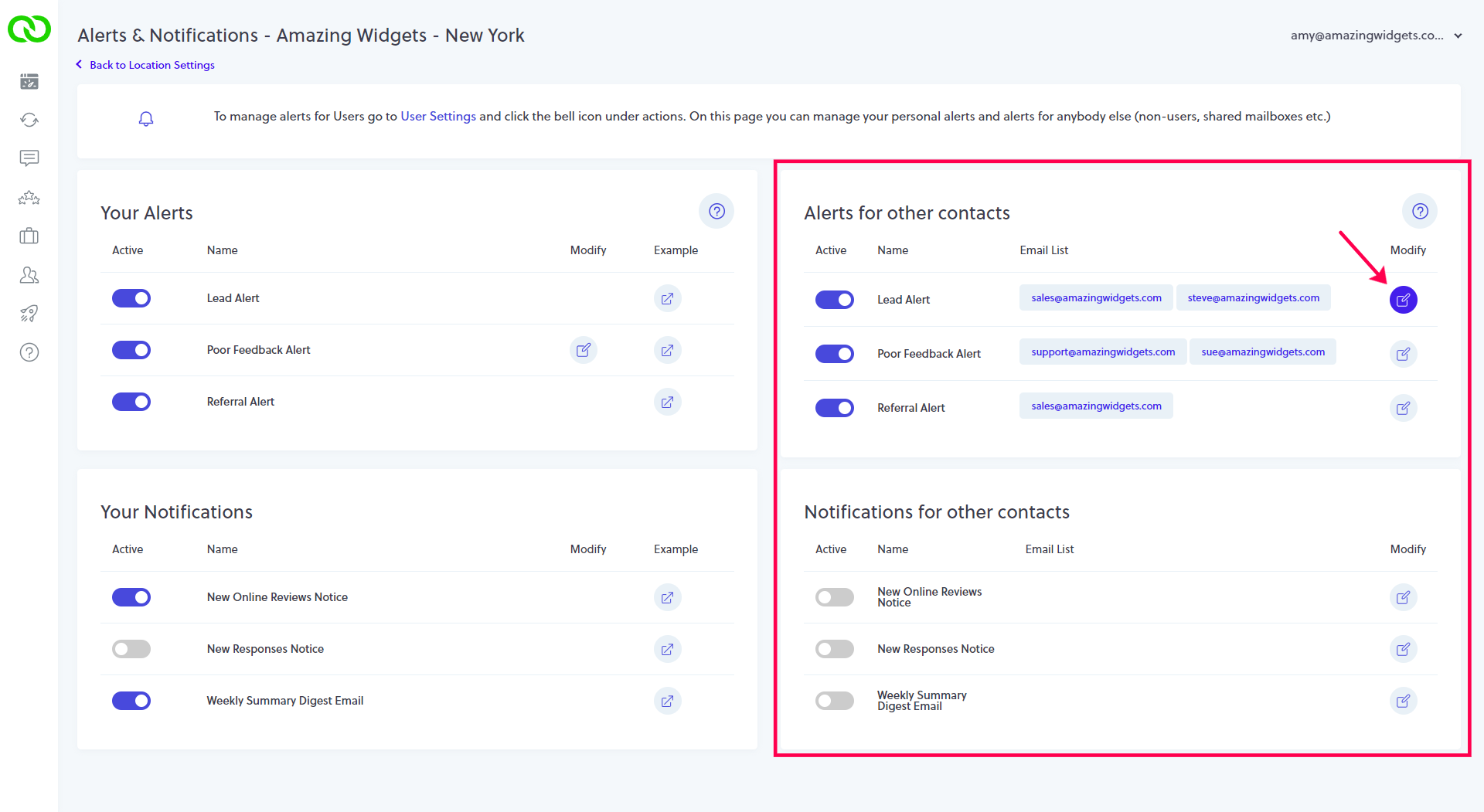
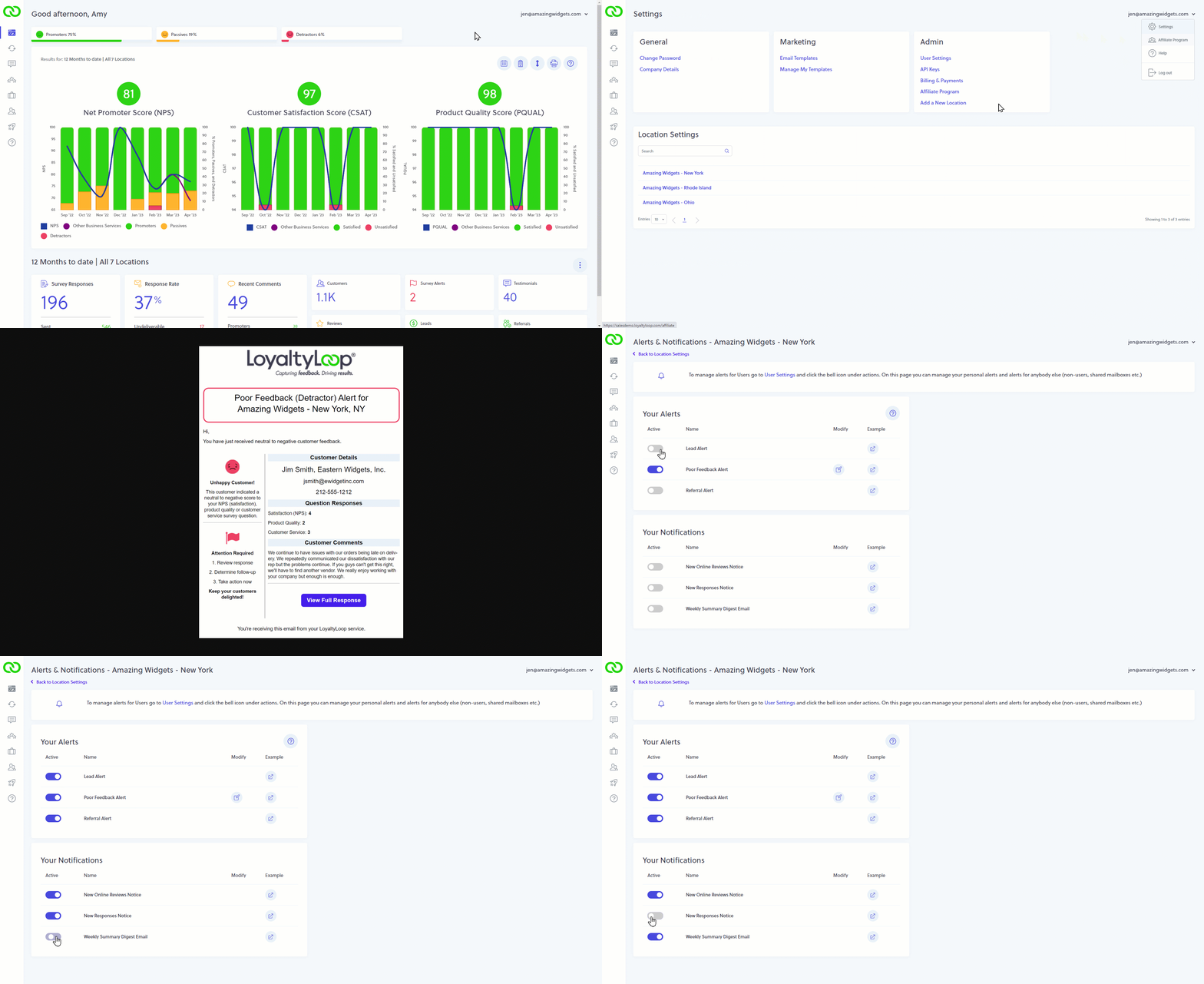
It's easy to stay on top of your customer feedback so you can be in position to learn, and take appropriate actions to improve. Go to Settings and Alerts & Notifications. Click the icon under the column labeled Example to remind yourself what the email notice looks like, then flip the Active switch to the ON position. Going forward, you'll receive that email notice. To stop receiving a notice, flip the Active switch to the OFF position.
Admin Users have a extra section on the right, which allows them to send notices to any contact. Simply modify the notice in question, add the person's email address (and Save Changes), then flip the Active switch to ON.