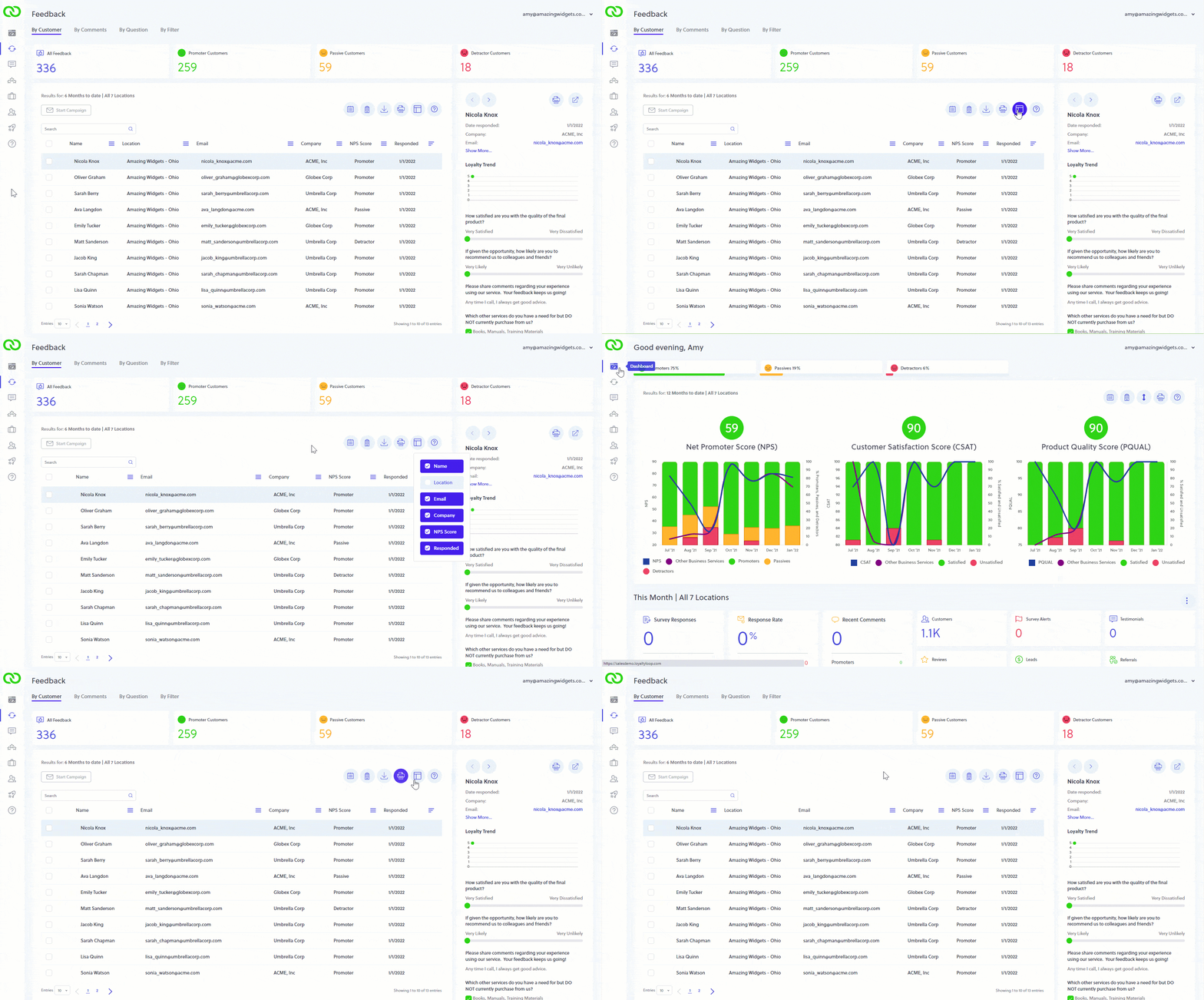
Did you know you can set the columns to display?
Here's a great feature you may not be aware of. When viewing tables in LoyaltyLoop, you can decide which columns you see. If, for example, your data doesn't include company name, you can hide this column. Just click the column picker icon, and choose the columns you wish to display. Once you set your columns, LoyaltyLoop will remember this when you access the system again.