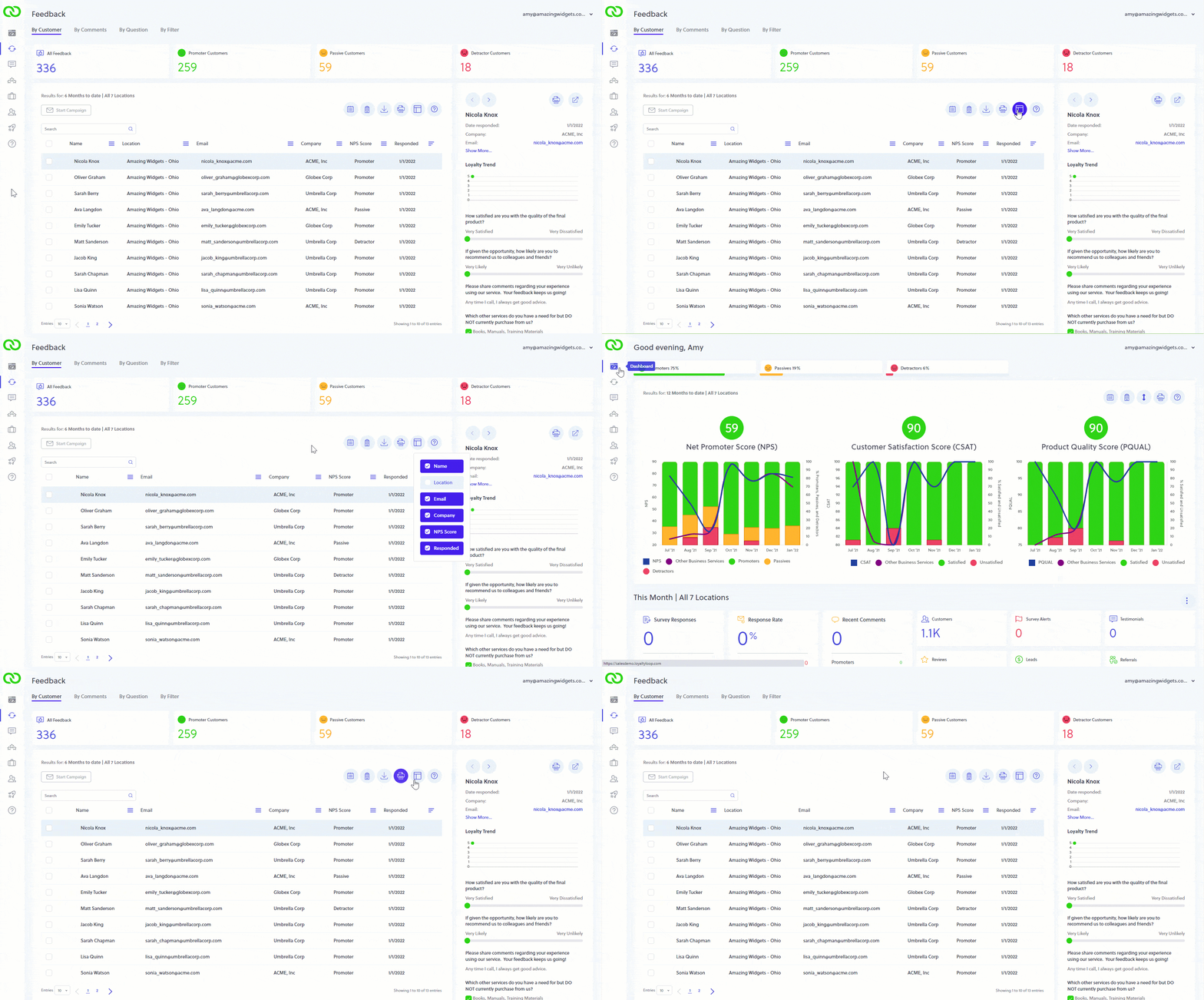
Did you know you can view the emails as they appear when sent to your customers?
If you want to see exactly what the emails look like as sent to each of you customers, for each campaign, click Launches then Campaign History. Click on the campaign you'd like to view. You can see the composition of your email campaign on the left, and everyone who received it on the right. Click the Preview Campaign button and step through the emails to see what each customer received.