
Did you know there are multiple ways of contacting LoyaltyLoop Support?
At LoyaltyLoop, we pride ourselves on making our platform as user-friendly as possible. We've designed it so you can update and edit many aspects of your account directly, giving you control and flexibility. However, we also understand that some things require the expert touch of our support team. And for those moments, we're always here to help!
While our goal is to empower you to manage your LoyaltyLoop account seamlessly, we also recognize that sometimes you just need a helping hand, a quick answer, or a more in-depth discussion. That's why we offer multiple convenient ways for you to connect with our dedicated support team, ensuring you can choose the method that best suits your needs and your schedule.
Let's explore the different ways you can reach out to LoyaltyLoop Support:
1. Give Us a Call
Best For: Quick questions, immediate assistance, minor account changes.
Sometimes, the easiest way to get the answer you need is to simply pick up the phone! Our support team is ready to assist you with quick questions or minor changes to your account. This is often the most efficient method for straightforward inquiries that can be resolved in a matter of minutes.
- Phone Number: 401-560-0311 (select option 3)
- Phone Hours: Monday – Friday, 9:00 AM to 5:00 PM Eastern Time
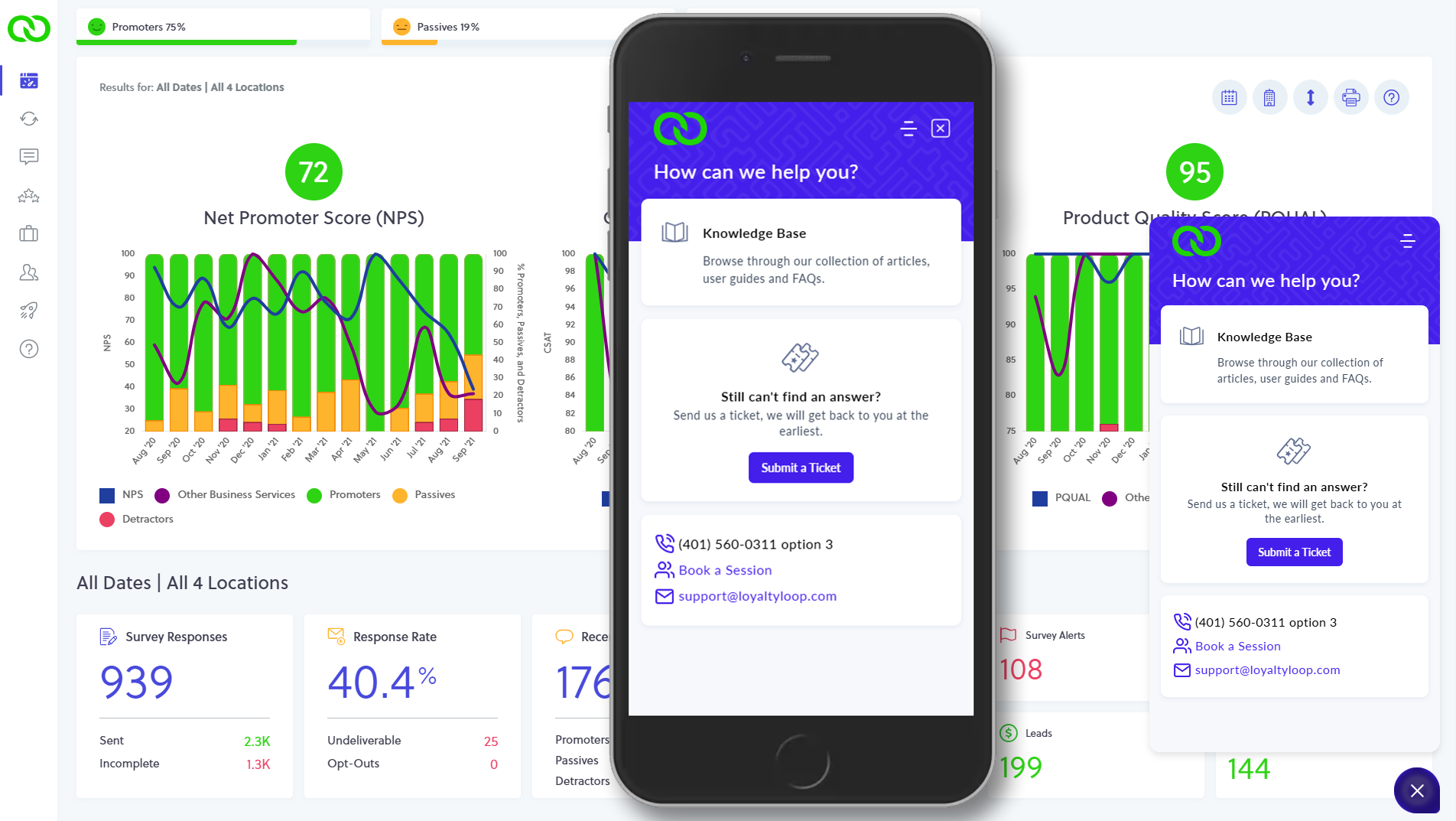
- Can't remember our phone number? Click the "?" on the bottom right of your screen and you'll see it in the help widget.
2. Book a Session
Best For: In-depth discussions, troubleshooting, explaining complex issues, situations where screen sharing would be beneficial.
Do you have a more complex question or need to discuss specific aspects of your account that are easier to explain visually? Our "Book a Session" option allows you to schedule a Zoom call with a member of our support team. This is an excellent choice for scenarios where screen sharing can help clarify your needs and allow us to guide you more effectively.
How to book a session:
- Click the "?" icon on the left menu or bottom right of your screen
- Click "Book a Session" from inside the help widget
- Choose & confirm your day and time
3. Submit a Ticket/Email Support
Best for: Sending over a list of changes, detailed inquiries, off-hour requests and non-urgent questions, reaching out when you're short on time for a phone call.
For times when you don't have the immediate availability to speak on the phone, or if you have a list of changes or a detailed question that requires a written record, submitting a ticket or emailing our support team is the perfect solution. This method allows you to provide all the necessary information at your convenience, and our team will get back to you within one business day.
How to create a ticket:
- You can email us directly at support@loyaltyloop.com, or
- Click the "?" icon on the left menu or on the help widget in the bottom right of your screen.
- Click "Submit a Ticket".
- Compose and submit your ticket.
No matter how you choose to connect, our commitment remains the same: to provide you with prompt, helpful, and friendly support. We're here to ensure your LoyaltyLoop experience is as smooth and effective as possible. So, the next time you need assistance, remember you have options! Choose the method that works best for you, and we'll be ready to help.