
Marketing Ideas for Printers: Add Testimonials & Survey Web Customers
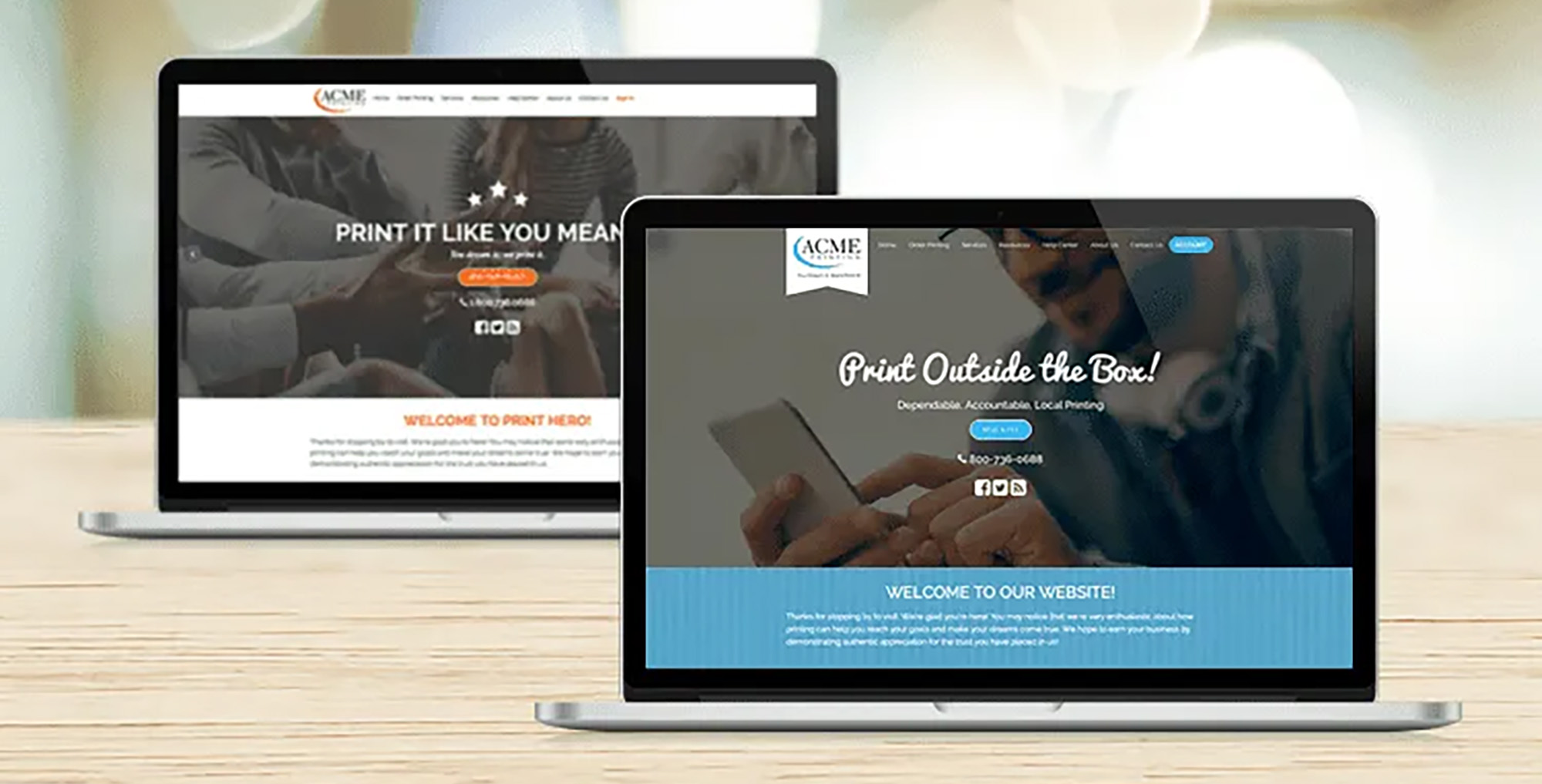
Easily Capture and Share Your Customer Testimonials
If your print business is using a website from the team at Marketing Ideas for Printers (MI4P) you will love how easy it is to engage your web order customers for feedback and publish your LoyaltyLoop testimonials. LoyaltyLoop is the perfect customer experience and review platform for printers and our friends at MI4P make it easy to share your customer experience success and the voice of your customers!
Publish testimonials to your Marketing Ideas for Printers website.
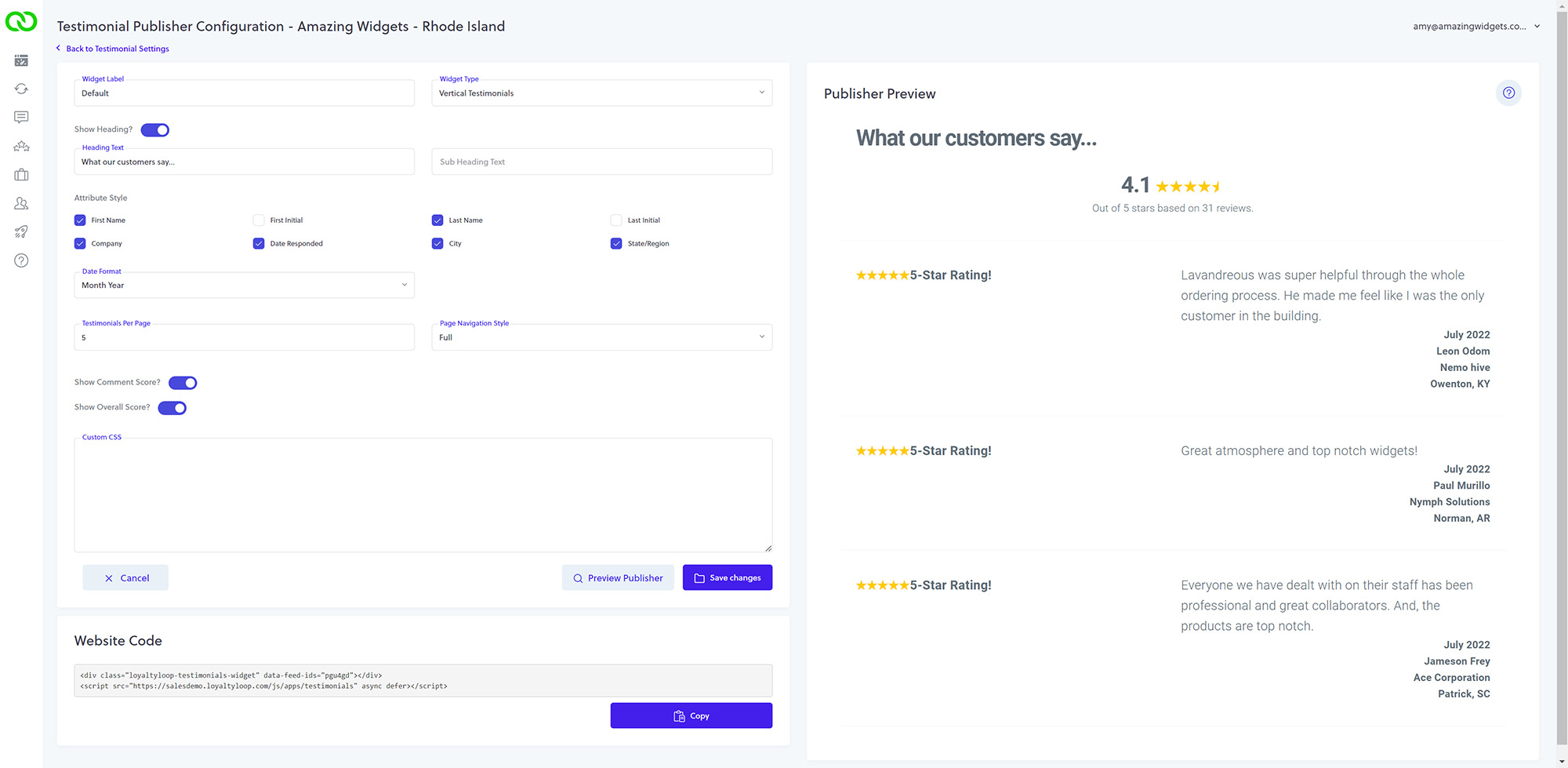
Testimonials are the voice of your satisfied customers, and they can be a powerful tool in influencing prospective buyers. Included with your LoyaltyLoop Promoter Plan are our powerful Testimonial Publisher widgets and badges. These widgets and badges can be customized and configured by you and added to your MI4P website homepage and testimonial section. The process is quick and easy.
- From LoyaltyLoop settings, configure how your testimonials appear in your widgets.
- Next, email your widget's website code to the Marketing Ideas for Printers support team at techsupport@mi4p.com.
*Need help with your testimonial widget? Watch this short video or click here to book a call with LoyaltyLoop Support!
Engage your web order customers for feedback and reviews!
If your print business is utilizing your Marketing Ideas for Printers website to manage orders, you have everything you need to begin engaging your customers for feedback. LoyaltyLoop Basic and Promoter subscribers can manually upload their data file to their account utilizing Launch Pad. This 2-step process involves downloading your data from your website and then uploading it to LoyaltyLoop.
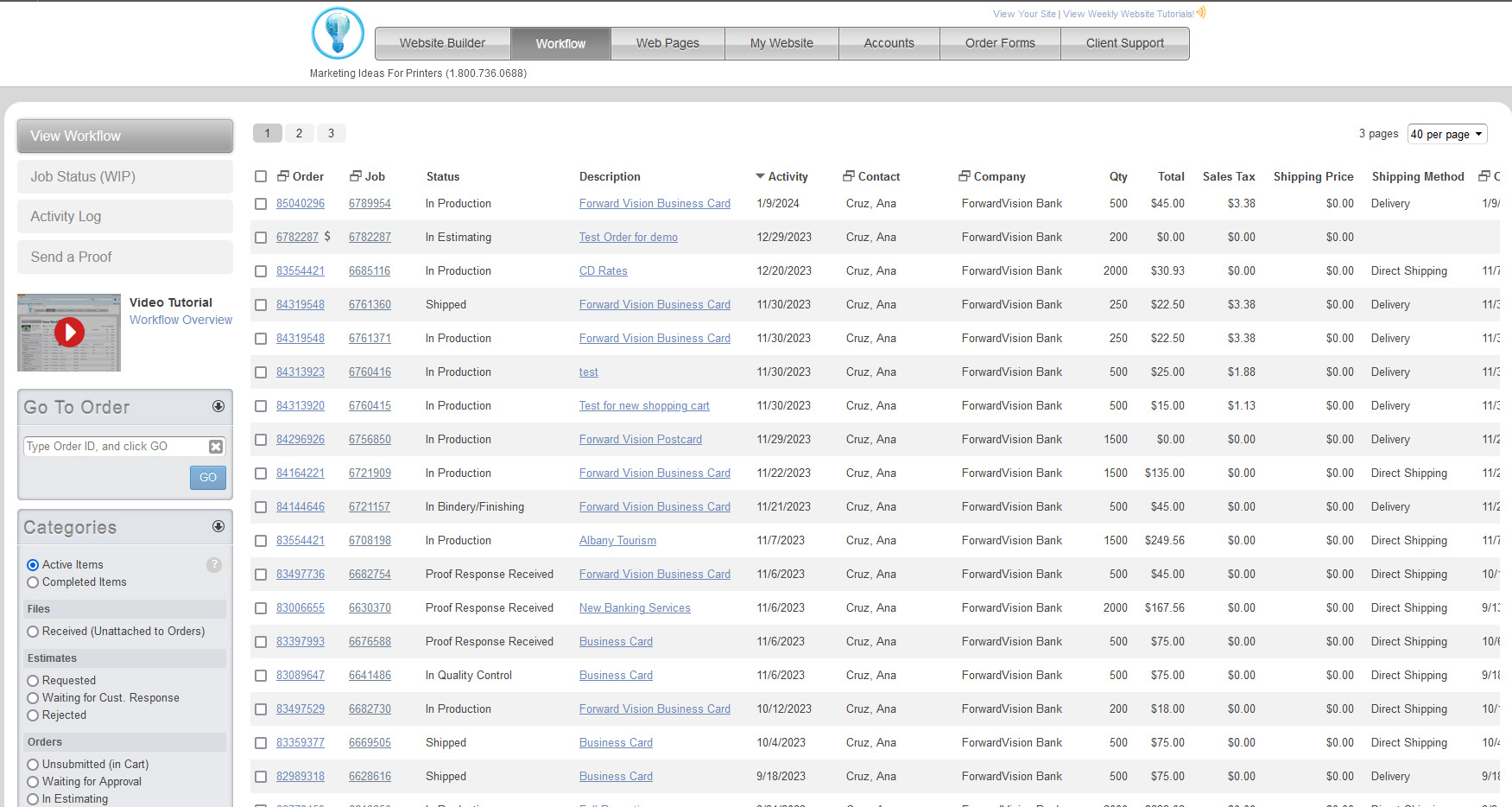
Step 1: Download report from your Marketing Ideas for Printers website. From the WorkFlow Menu Select "Completed Items" from the Categories Menu
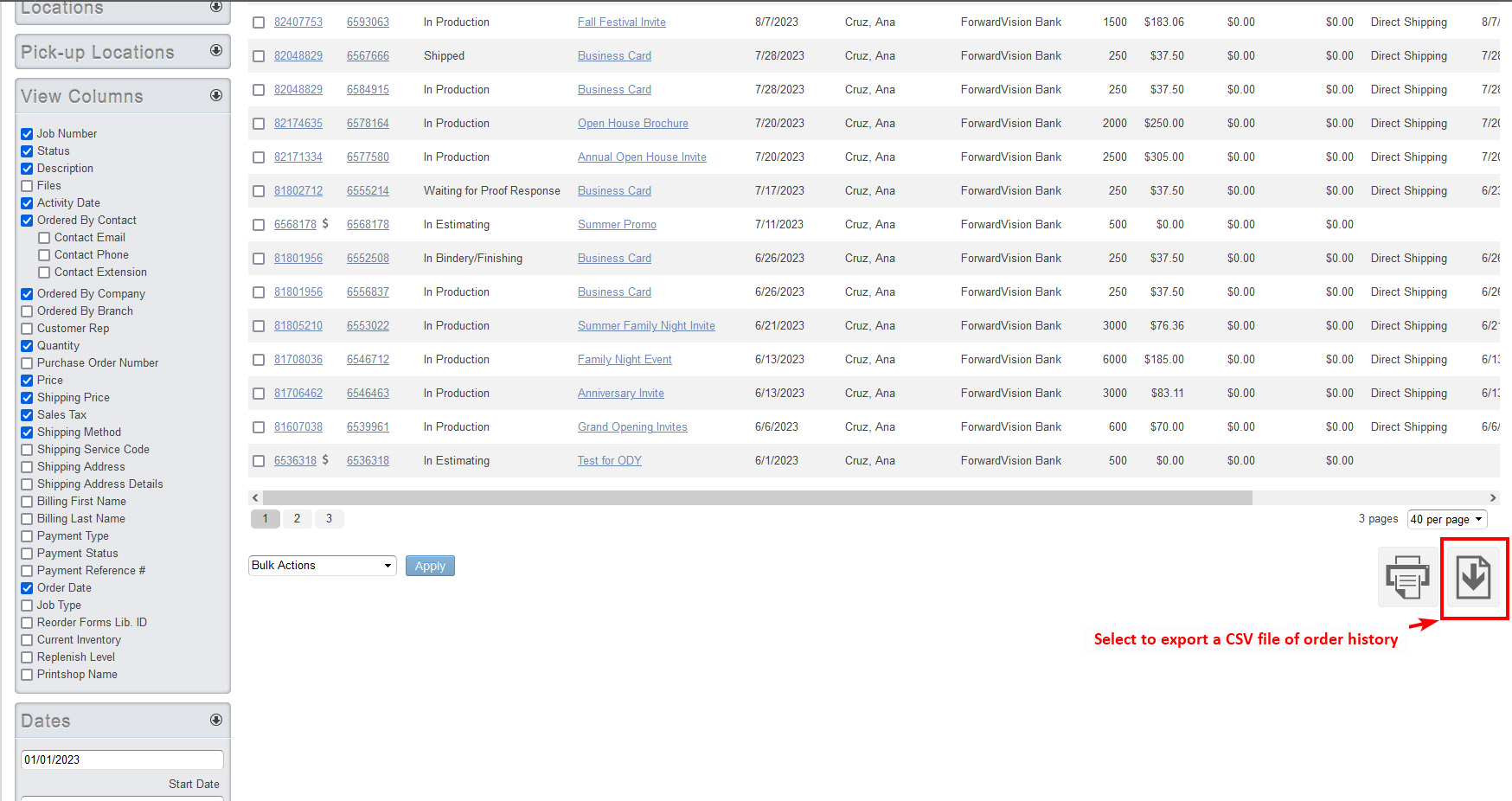
Next, select the data fields to include in the report, the date range and export the file as a CSV. We recommend including the contact's email address, and all other details relating to the customer and this order. Watch this short video from Marketing Ideas for Printers on exporting from a website.
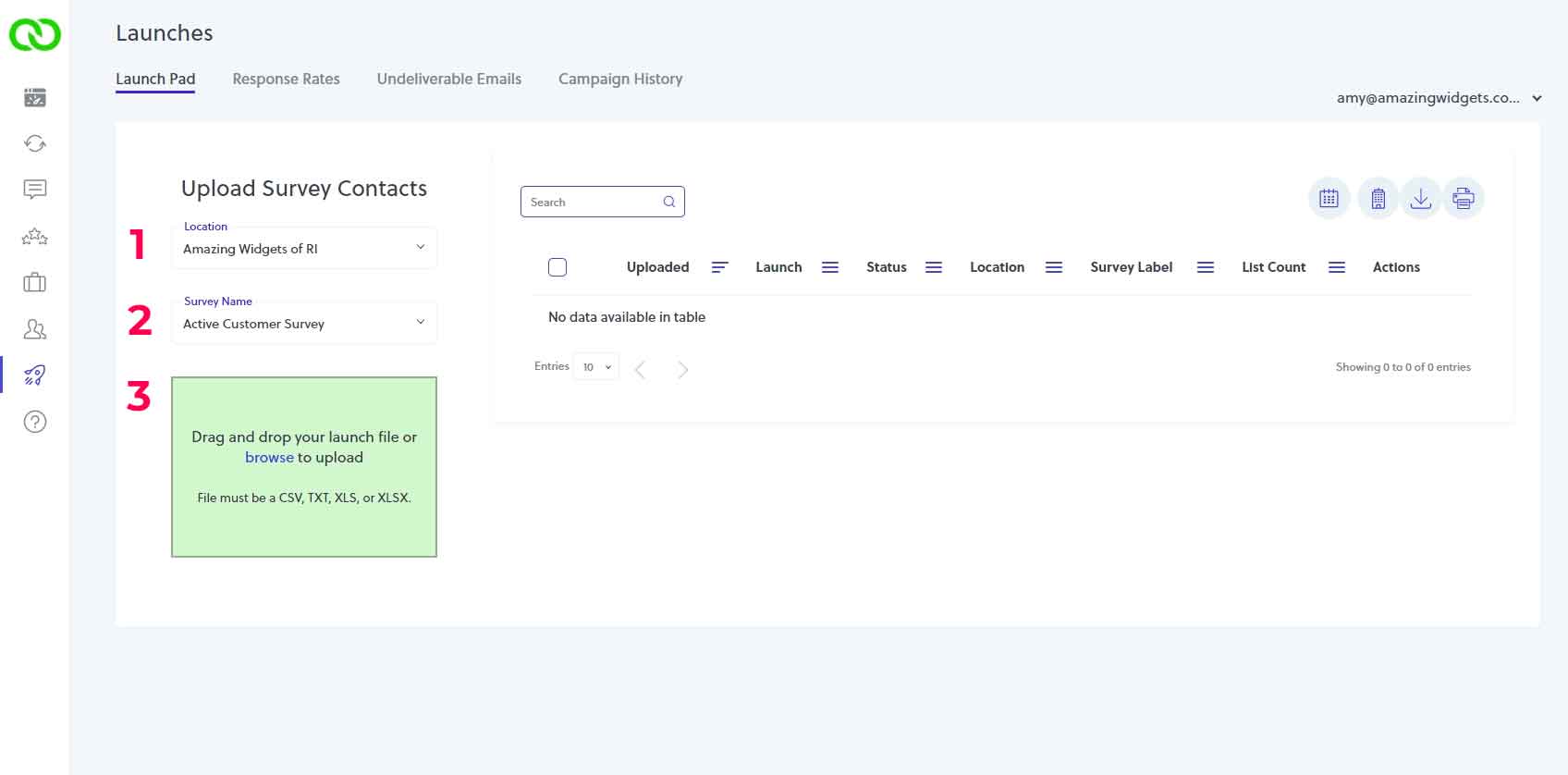
Step 2: Upload Data to LoyaltyLoop. When logged into your LoyaltyLoop account, click Launches from the left menu to land on your Launch Pad:
- Select the location (if not preselected)
- Select the survey (if not preselected)
- Drag and drop the file into the upload box
"Without the feedback you get from our customers I would be lost."