Passive Feedback Alert
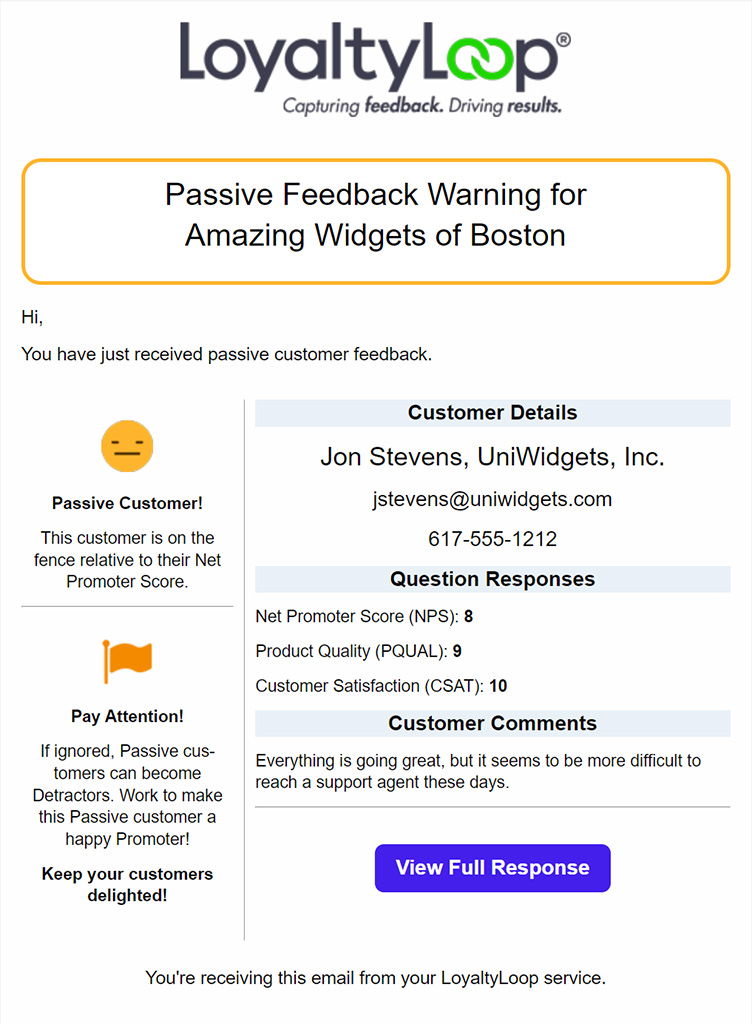
Similar to the Poor Feedback Alert that fires when a customer responds to your NPS® question as a Detractor, you now have a dedicated Passive Feedback Alert that can fire when a customer's NPS response is Passive.
In the past, there was a setting on the Poor Feedback Alert that would trigger that alert if the customer's response was Passive. If you had that setting ON, we've migrated you to this new dedicated Passive Feedback Alert already.
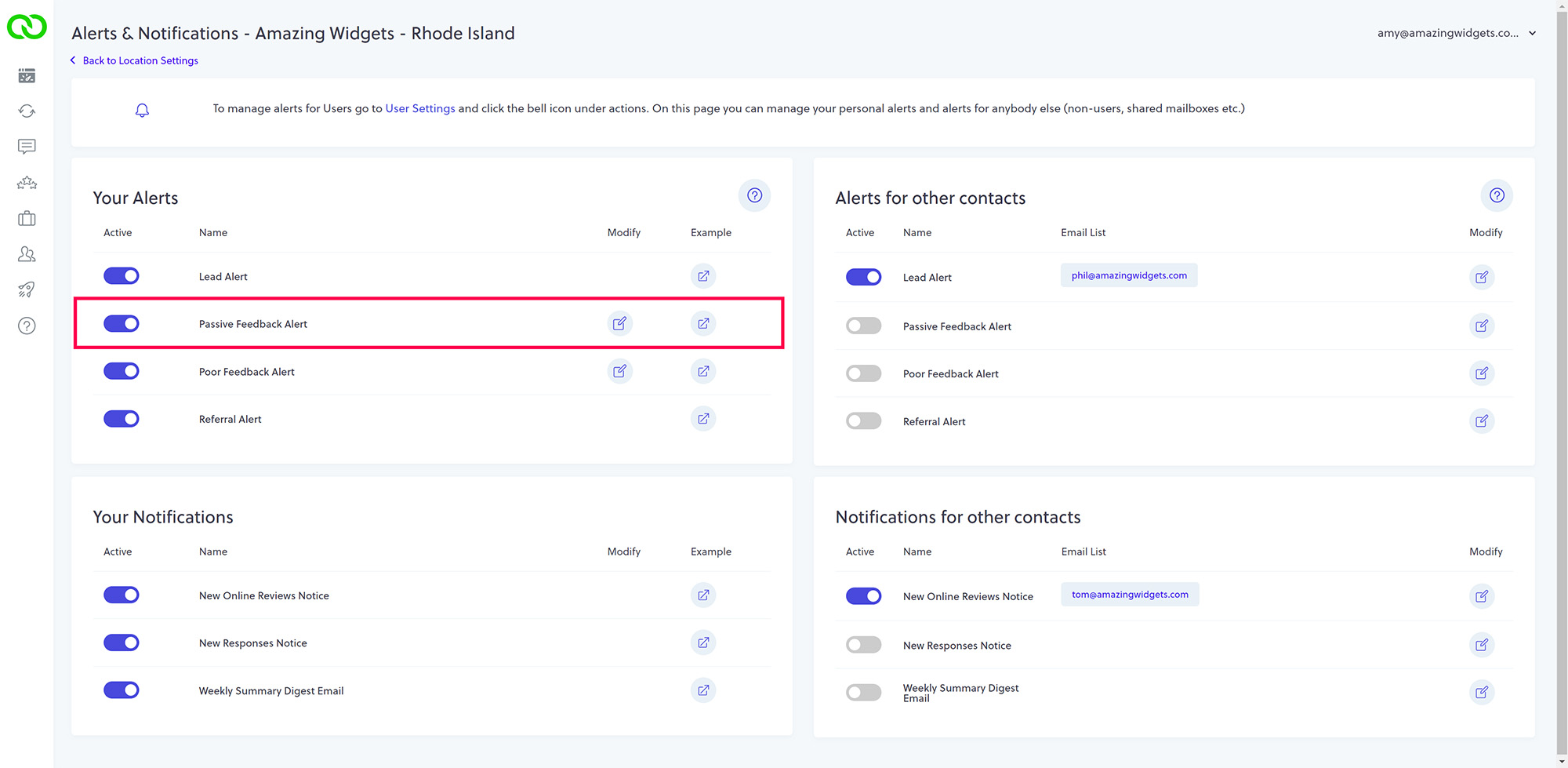
The Passive Feedback Alert is found in your Alerts & Notifications section, and also from the alerts for User Settings. You simply flip the switch to the ON position to set LoyaltyLoop to alert you of Passive responses.
By default, the Passive Feedback Alert fires based on responses to your NPS question. If you click the Edit button next to the alert, or view it in User Settings, you can also set LoyaltyLoop to fire this alert for passive responses to the Product Quality (PQUAL) and Customer Satisfaction (CSAT) questions.