
Did you know your survey can use different themes and styles?
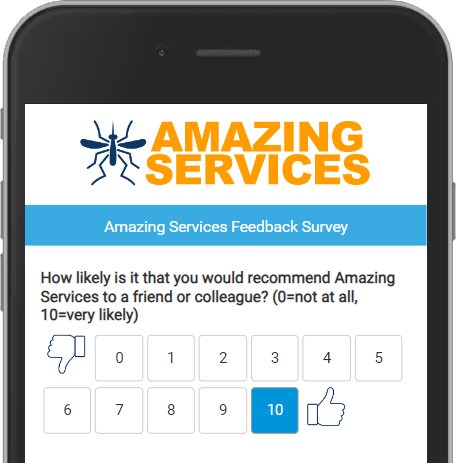
Your survey can be updated to reflect your company colors, imagery and a variety of graphical elements that can keep your survey fresh and "on brand".
The first thing to review is your choice of question scales. Choose an appropriate scale theme for your business and industry. Stylistically, if your business services consumers (B2C), you may wish to use a more fun survey theme, than if you service other business (B2B), in which case you may choose a more professional appearance.
It's up to you. But you can choose from a variety of question scales, including simple scales, scales with label ends, star scales, emoji scales, and more. When choosing graphical scales, choose a theme that fits your brand. Combining graphics and labels can help aid respondents to quickly identify positive and negative ends of your choices. No scale will eliminate 100% of customer mistakes, but the various themes can help reduce them. Here's another post talking about how to minimize survey errors.
As a general rule, it's a good idea to choose a scale and stick with it, to ensure historical comparisons are meaningful. That doesn't mean you can update it every year to keep things fresh. If you choose a scale with 5 choices, perhaps you change the graphics each year to freshen it up.
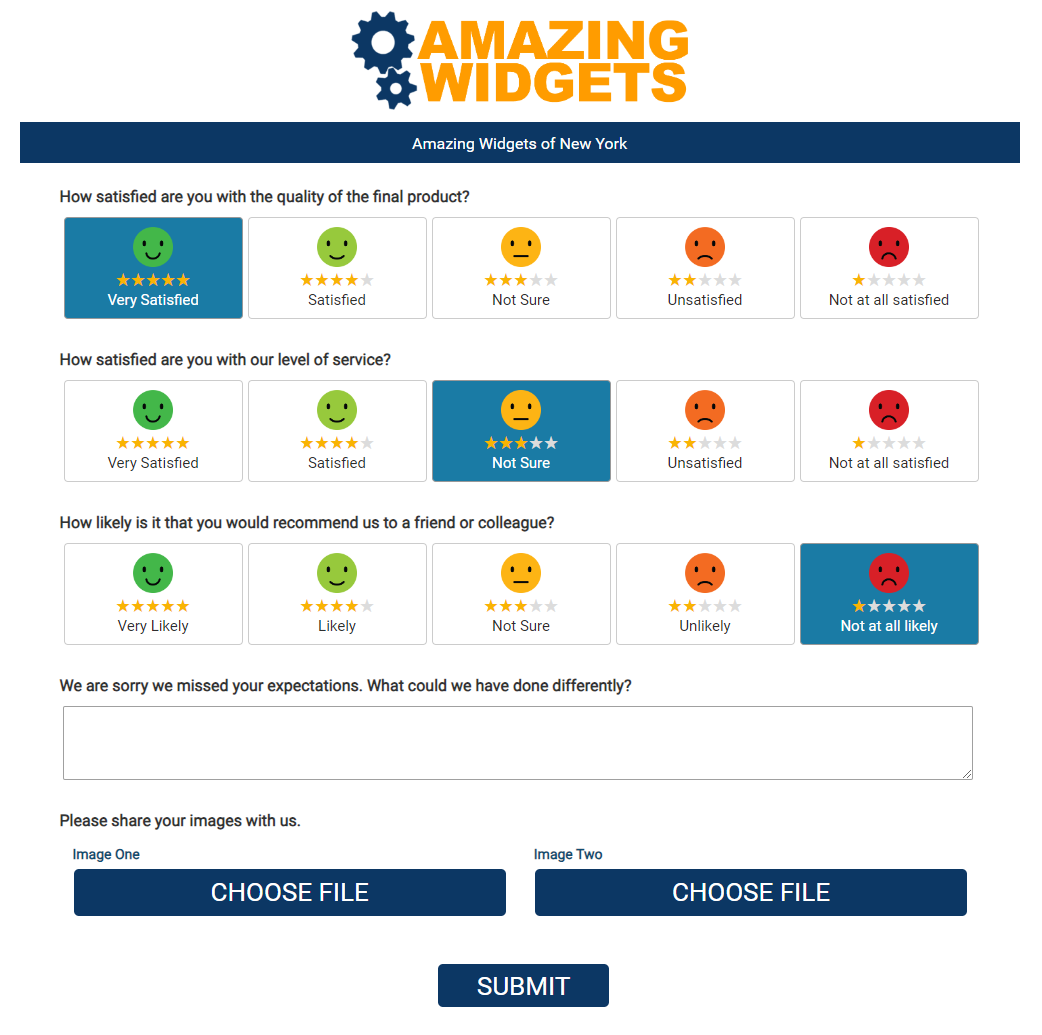
In addition to choosing your scales, you can choose the direction of the choices, meaning good to bad, or bad to good. Some scales make more sense to scale from bad to good, such as numerical scales that run from zero to ten. But again, it's up to you. On this page we give several examples, and our recommendations to help guide you. Depending on your scale selection, adding Scale Helper Phrases in your questions can also be helpful to your respondents.
Now that you have your scales chosen, look at the overall appearance of your survey. In all likelihood, your survey was designed to resemble your website, at the time your survey was created. If your brand and web appearance has evolved, consider having us update your survey to reflect your current motif. Colors, fonts, and imagery can all aid your customer in their survey experience.
Lastly, view your survey on your phone to ensure it renders as expected. All of our new surveys are mobile-friendly, but if you've been a customer for a while, it's always a good idea to view your survey on all typical devices, then request adjustments that don't appear as mobile-friendly as our newer survey designs.